

 Tomo
Tomo
 Android
  Chrome
 dApp Permissions
- Confirmation for requests from WalletConnect9.0 / 9.0Description
Requires user confirmation for requests from WalletConnect before granting dApp access to specific RPC methods.
-
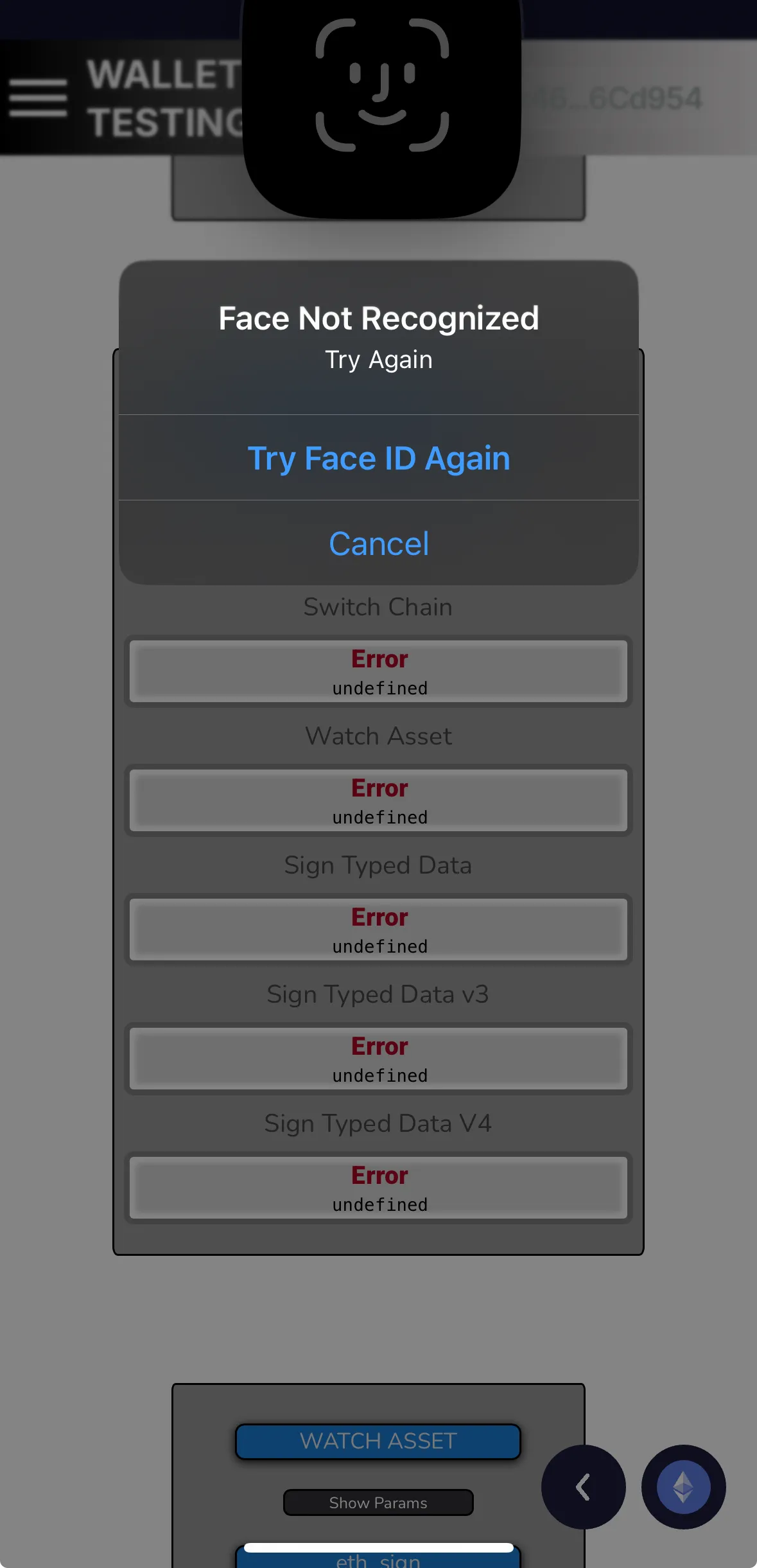
When receiving requests from the DApp, the wallet only asks for confirmation via Face ID for all methods, without displaying any message or warning.
— Verified by Alejo Sequeira at Coinspect
Evidence · 2 screenshots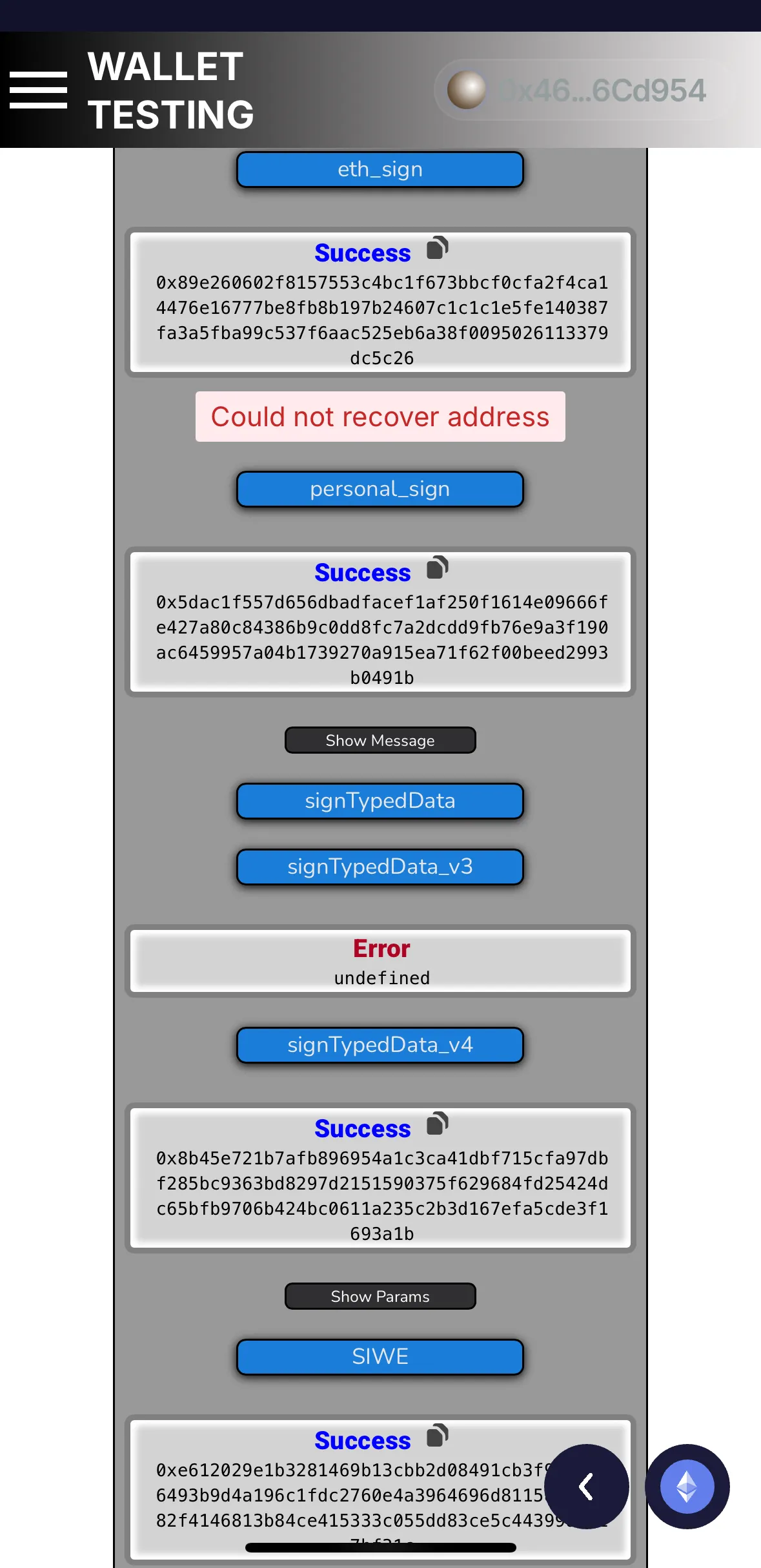
 Last updated on Oct 21, 2025Report an issue with this check
 -
- User confirmation for requests from embedded browser7.9 / 7.9Description
Requires user confirmation before processing privileged RPC requests from embedded browsers.
-
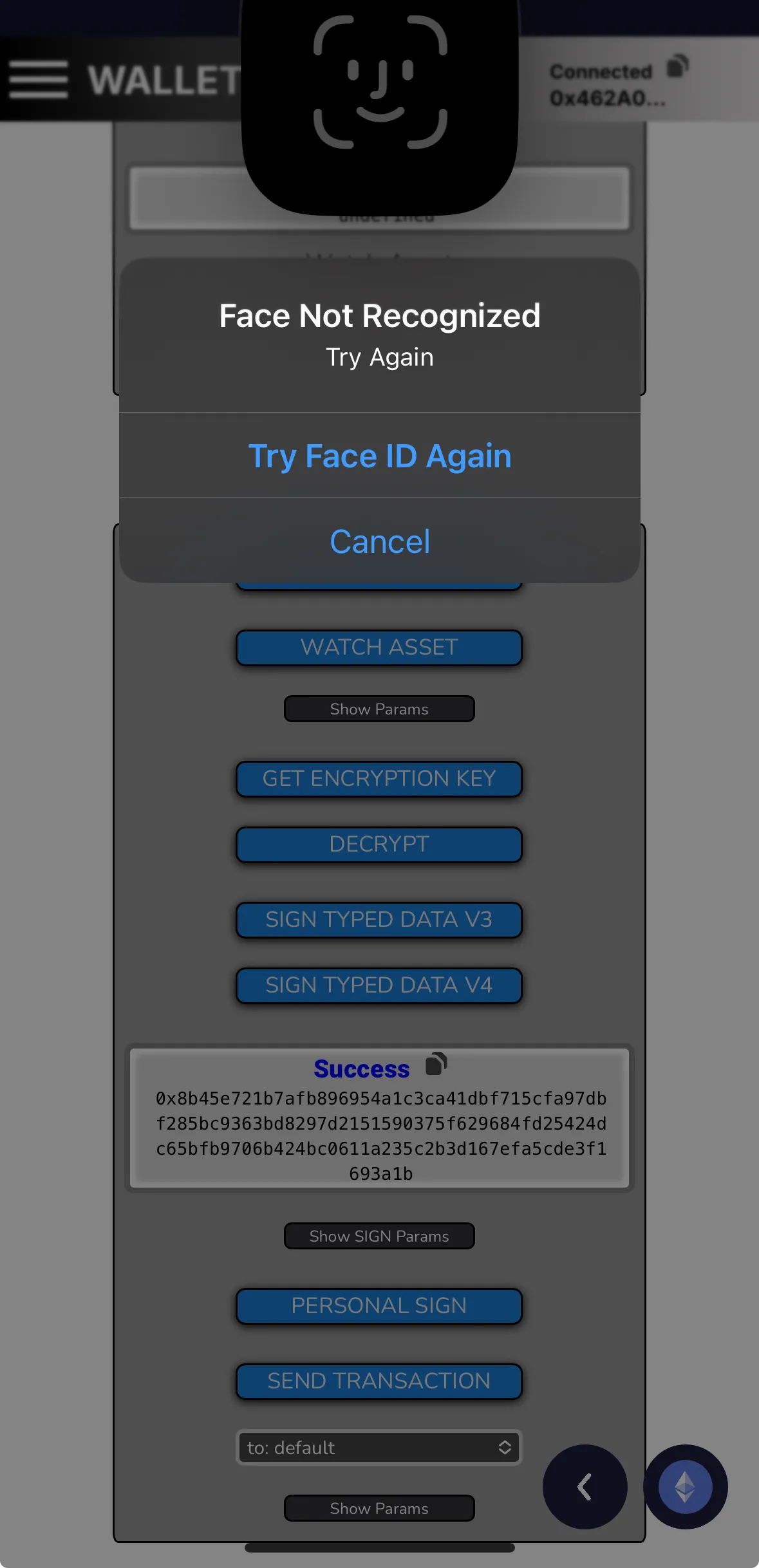
When receiving requests from the DApp, the wallet only asks for confirmation via Face ID for all methods, without displaying any message or warning.
— Verified by Alejo Sequeira at Coinspect
Evidence · 2 screenshots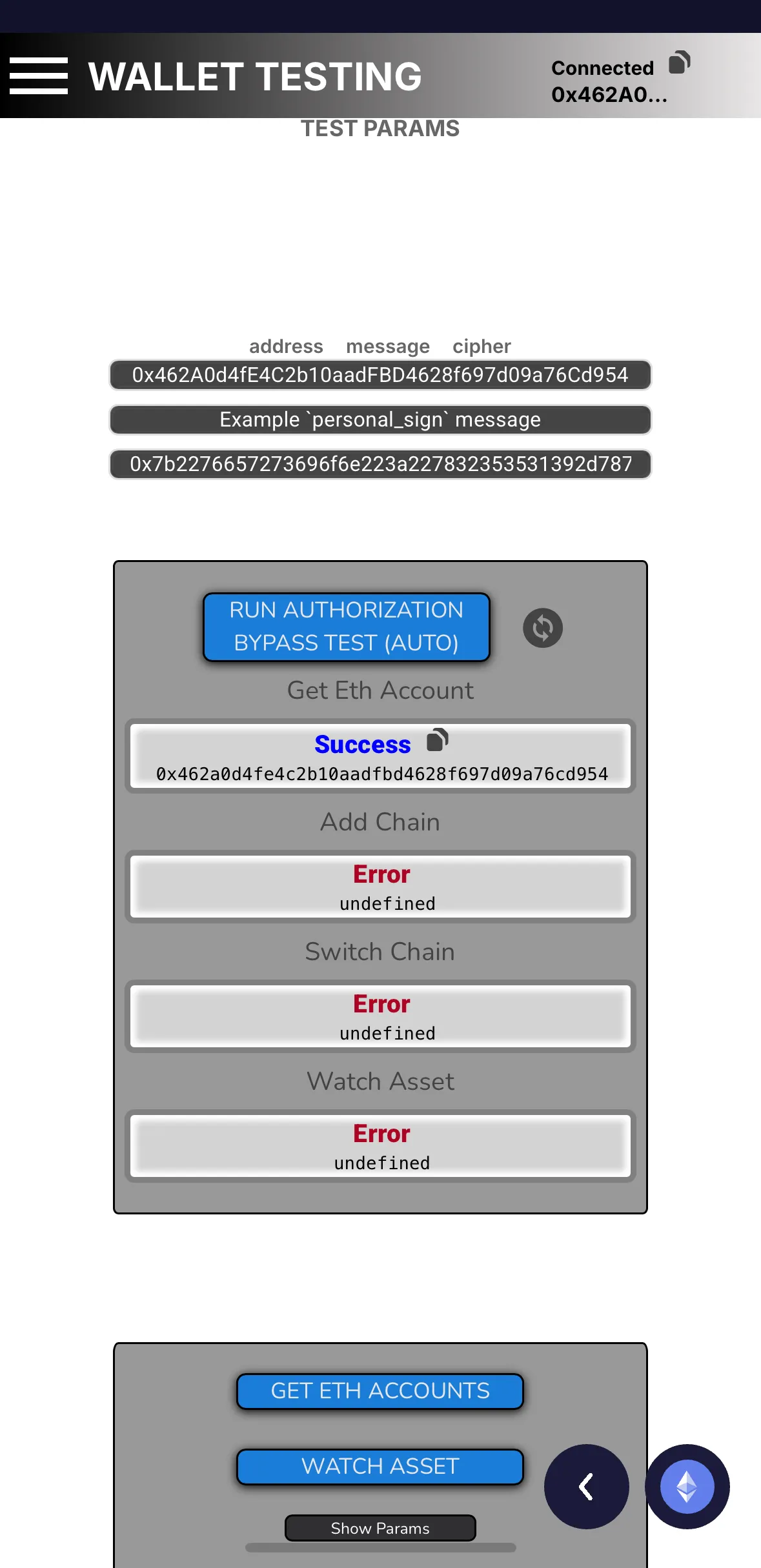
 Last updated on Oct 21, 2025Report an issue with this check
 -
- Wallet unlock before requests5.5 / 5.5Description
Requires users to unlock it before processing dApp requests when in a locked state.
-
Locking the wallet automatically disconnects it from the DApp.
— Verified by Alejo Sequeira at Coinspect
Evidence · 1 screenshot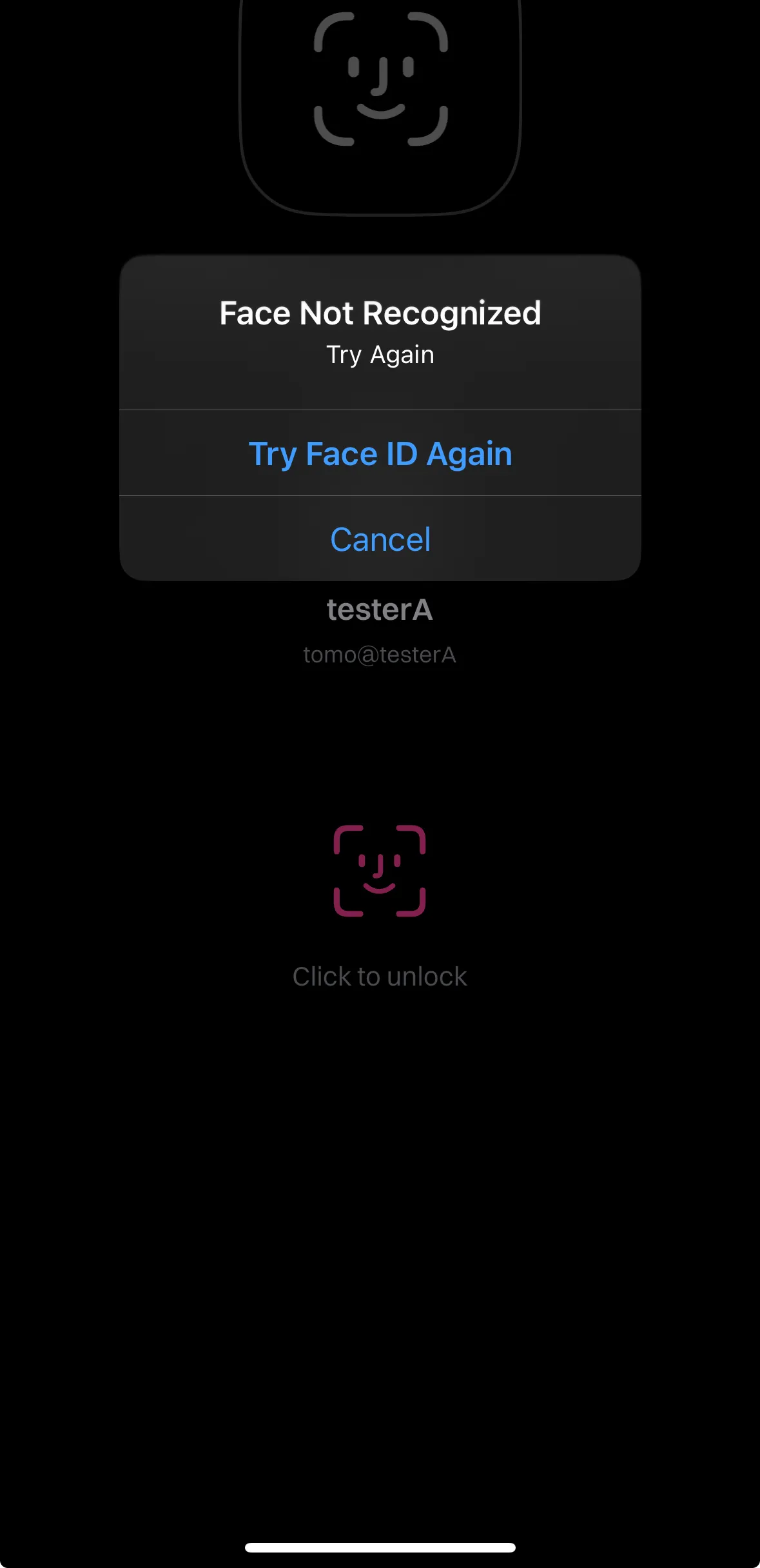 Last updated on Oct 21, 2025Report an issue with this check
 -
- Mismatching EIP-712 chainId detection0.0 / 3.5Description
Alerts users or rejects signing EIP-712 messages with a mismatched chain ID.
-
When attempting to sign the EIP-712 requests, the wallet doesn’t display any message or warning—it only prompts for Face ID to confirm the request.
— Verified by Alejo Sequeira at Coinspect
Evidence · 1 screenshot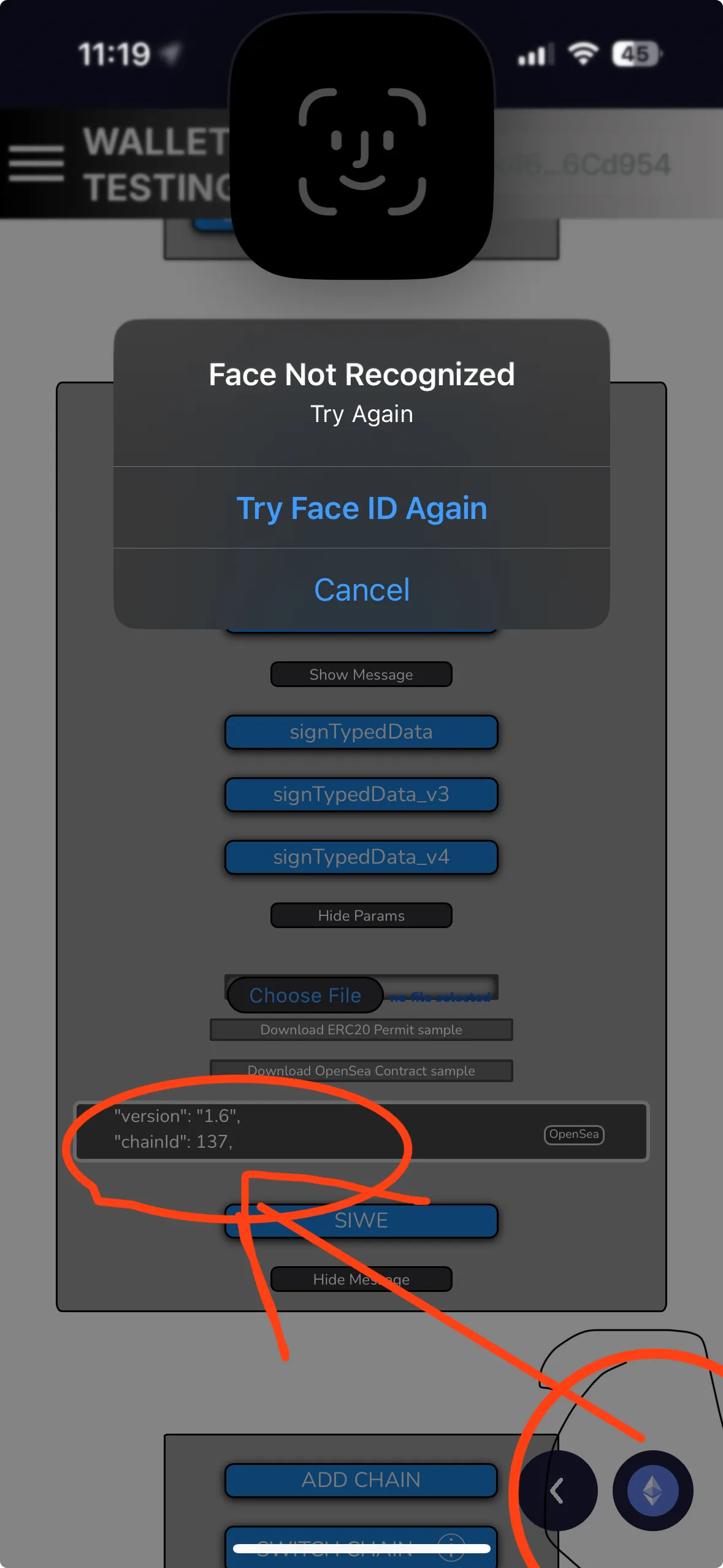 Last updated on Oct 21, 2025Report an issue with this check
 -
- eth_sign method disabled3.3 / 3.3Description
Restricts the use of the deprecated and insecure eth_sign method by default.
-
The `eth_sign` method is disabled by default.
— Verified by Alejo Sequeira at Coinspect
Evidence · 1 screenshot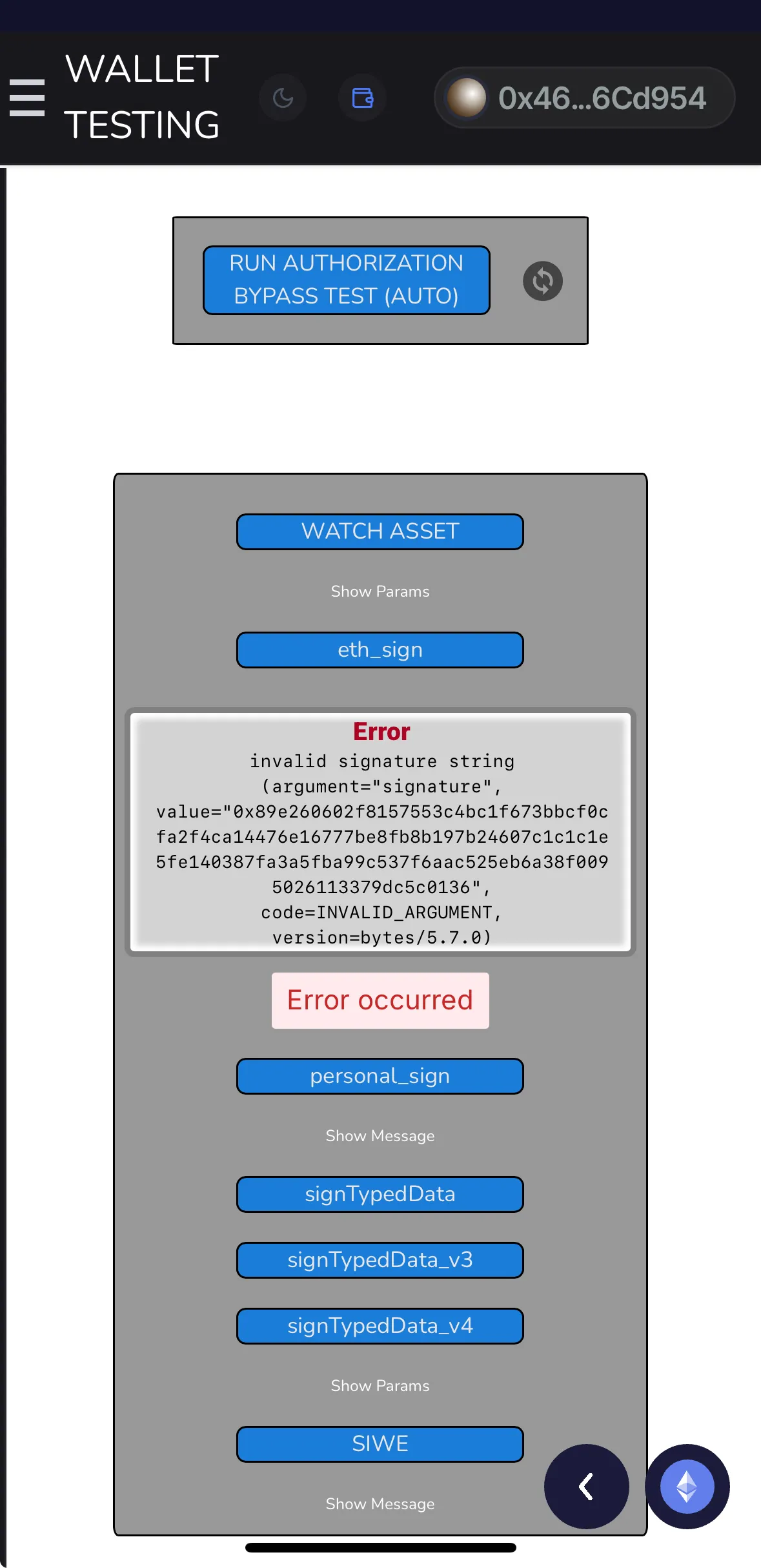 Last updated on Oct 21, 2025Report an issue with this check
 -
- Mismatching SIWE domain detection0.0 / 1.8Description
Warns users when the domain in a Sign-In with Ethereum (EIP-4361) message does not match the requesting dApp's origin.
-
When attempting to sign the EIP-4361 (SIWE) requests, the wallet doesn’t display any message or warning—it only prompts for Face ID to confirm the request.
— Verified by Alejo Sequeira at Coinspect
Evidence · 1 screenshot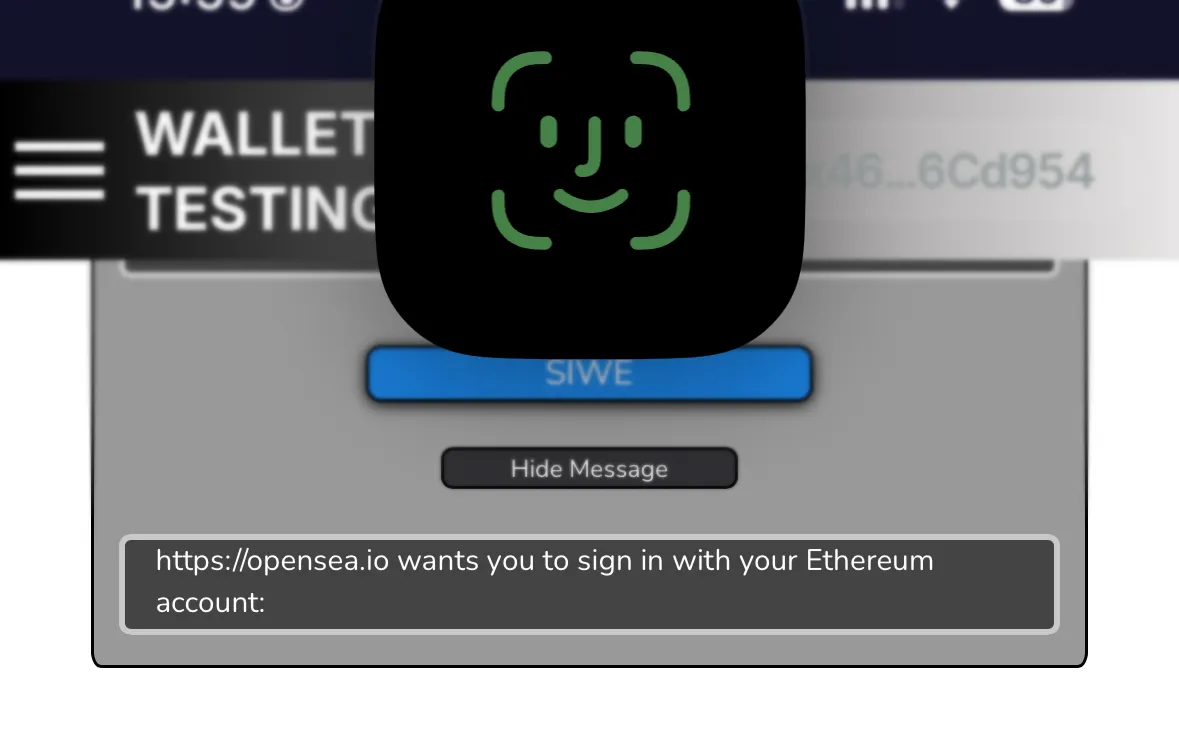 Last updated on Oct 21, 2025Report an issue with this check
 -
- Connected dApp management0.0 / 1.5Description
Allows users to list and revoke connected dApps.
-
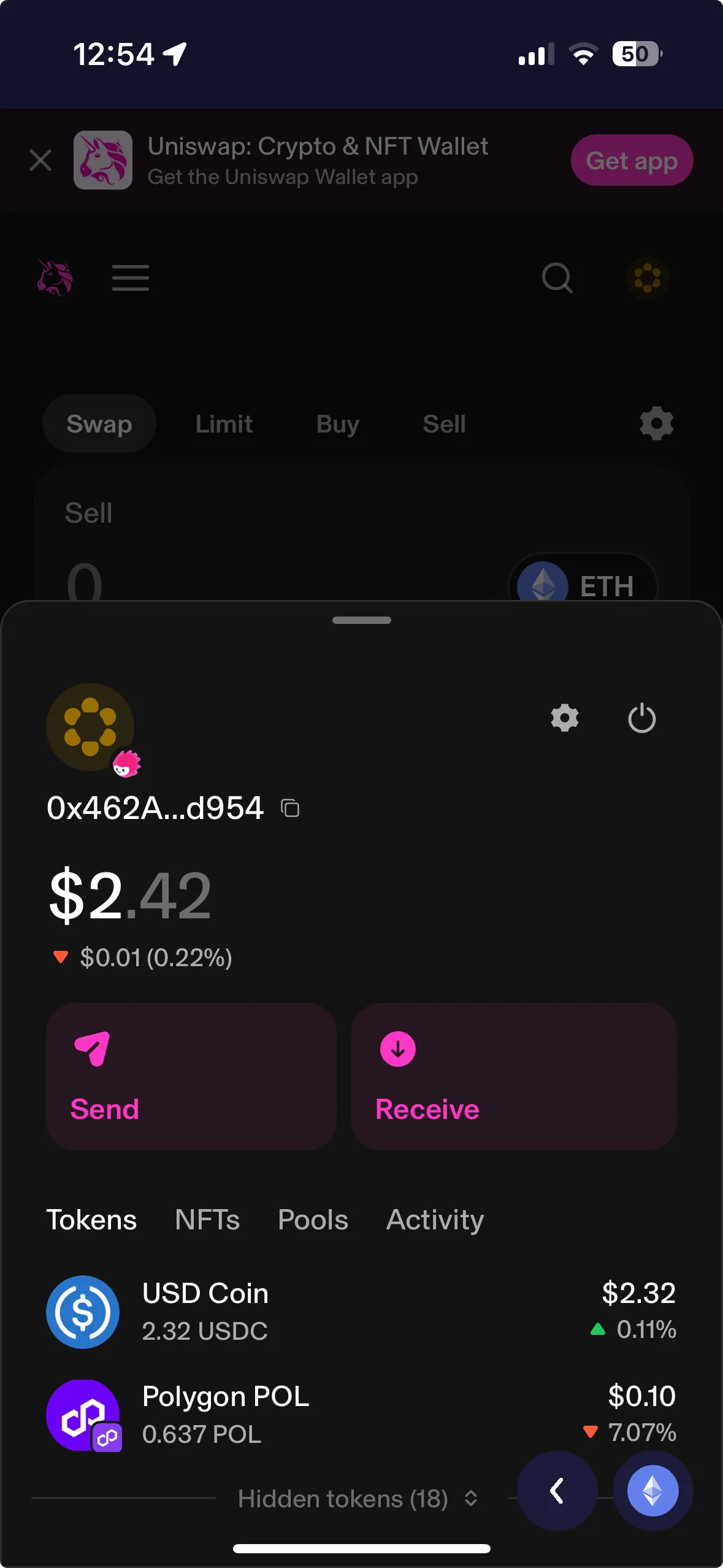
Connection via WalletConnect by scanning the QR code appears to be broken, while connecting through the embedded browser works but does not prompt any permission request.
— Verified by Alejo Sequeira at Coinspect
Evidence · 2 screenshots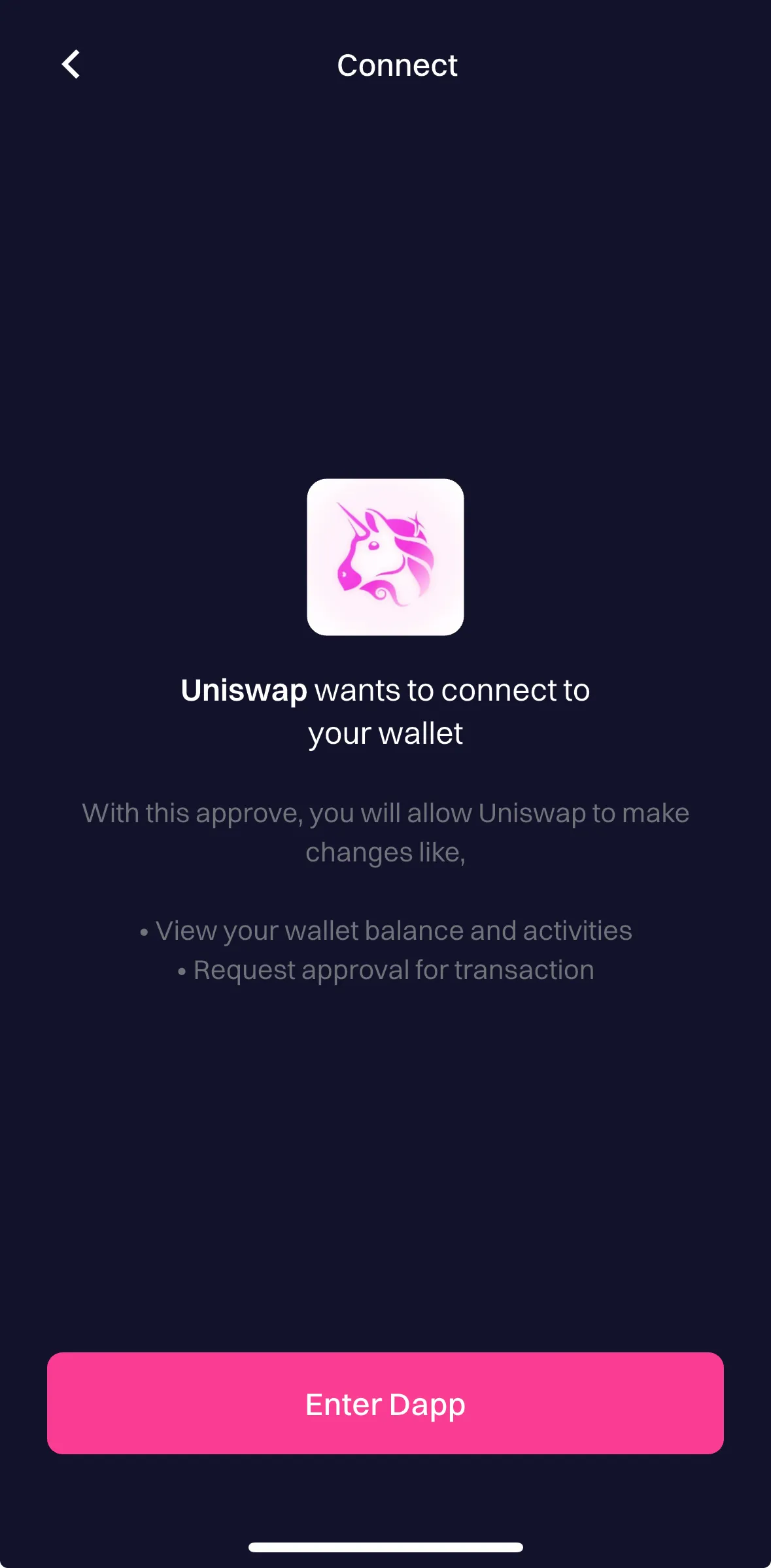
 Last updated on Oct 21, 2025Report an issue with this check
 -
- Token approval management0.0 / 1.5Description
Allows users to view and revoke token approvals.
-
The wallet doesn't offer the ability to list and revoke token approvals via in-app functionality or links to external DApps.
— Verified by Alejo Sequeira at Coinspect
Evidence · 1 screenshot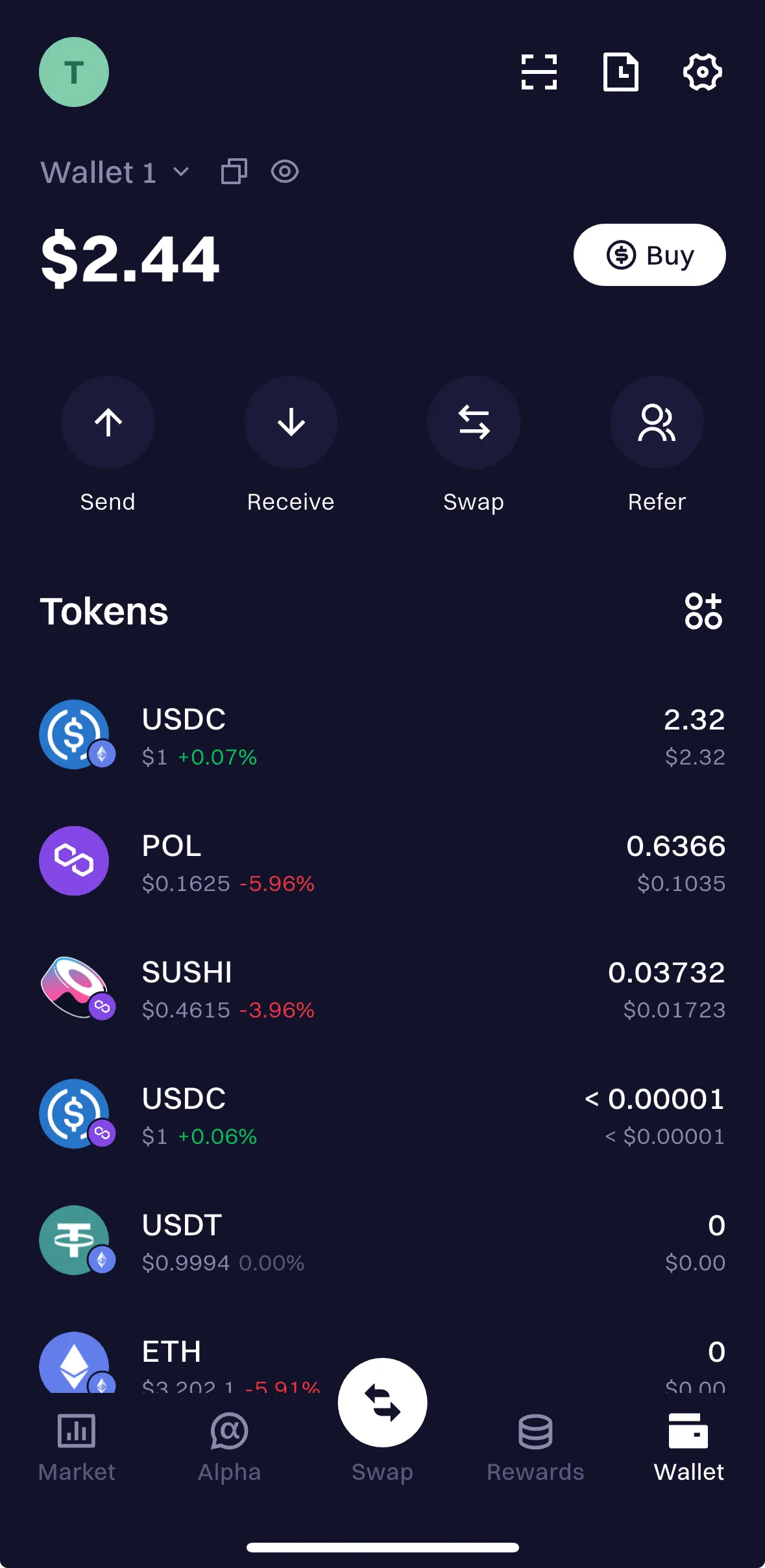 Last updated on Oct 21, 2025Report an issue with this check
 -
- User confirmation before switching chains1.1 / 1.1Description
Requires user confirmation before switching the active chain.
-
The wallet displays an “UNDEFINED” message when the switch_chain method is called and does not allow the chain to be changed.
— Verified by Alejo Sequeira at Coinspect
Evidence · 1 screenshot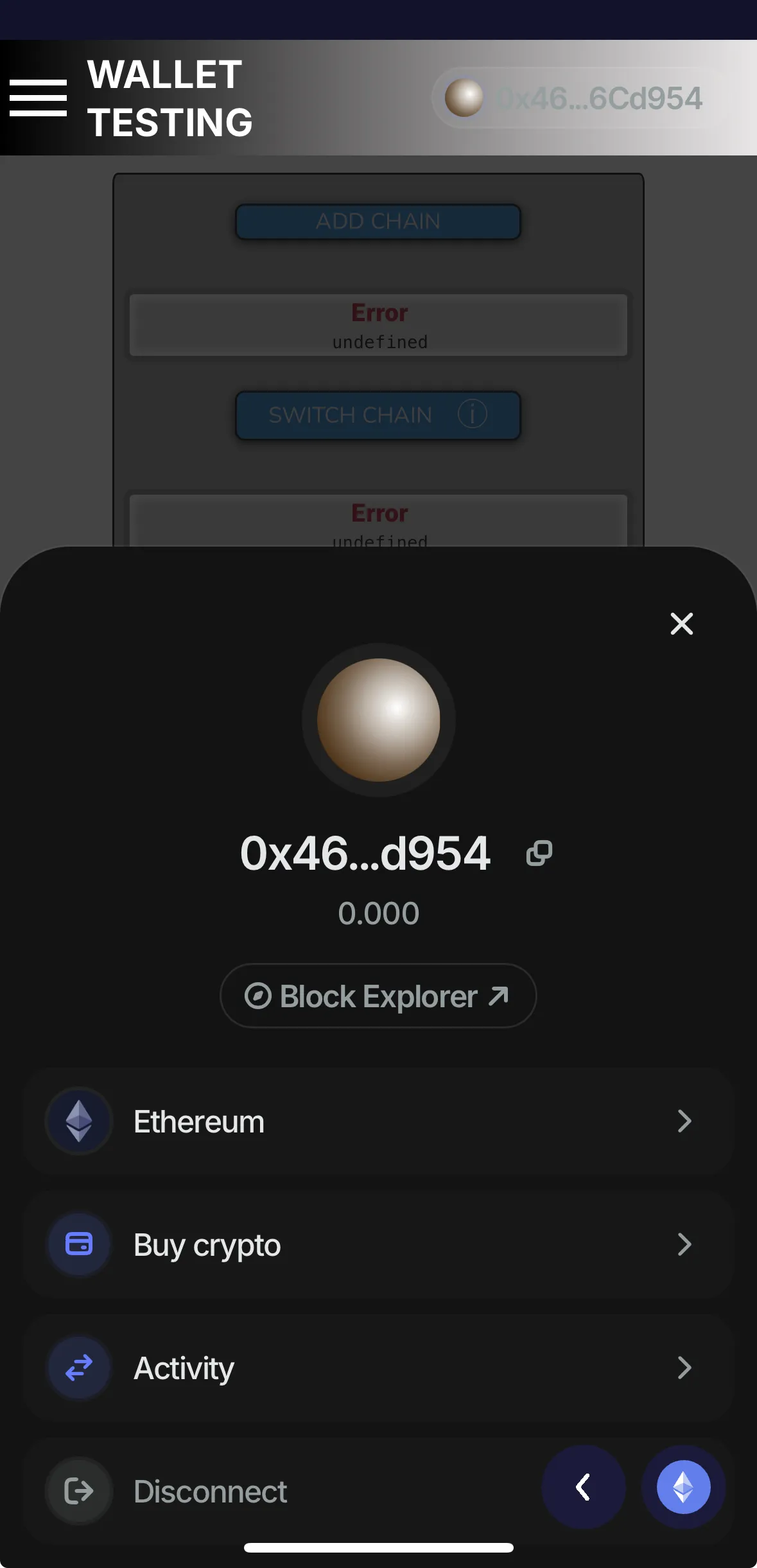 Last updated on Nov 14, 2025Report an issue with this check
 -
Intent Verification
- Transaction simulation0.0 / 6.7Description
Previews the expected outcome by simulating the request execution on the blockchain before signing.
-
When attempting to sign the pool requests, the wallet doesn’t display any message or warning—it only prompts for Face ID to confirm the request.
— Verified by Alejo Sequeira at Coinspect
Evidence · 1 screenshot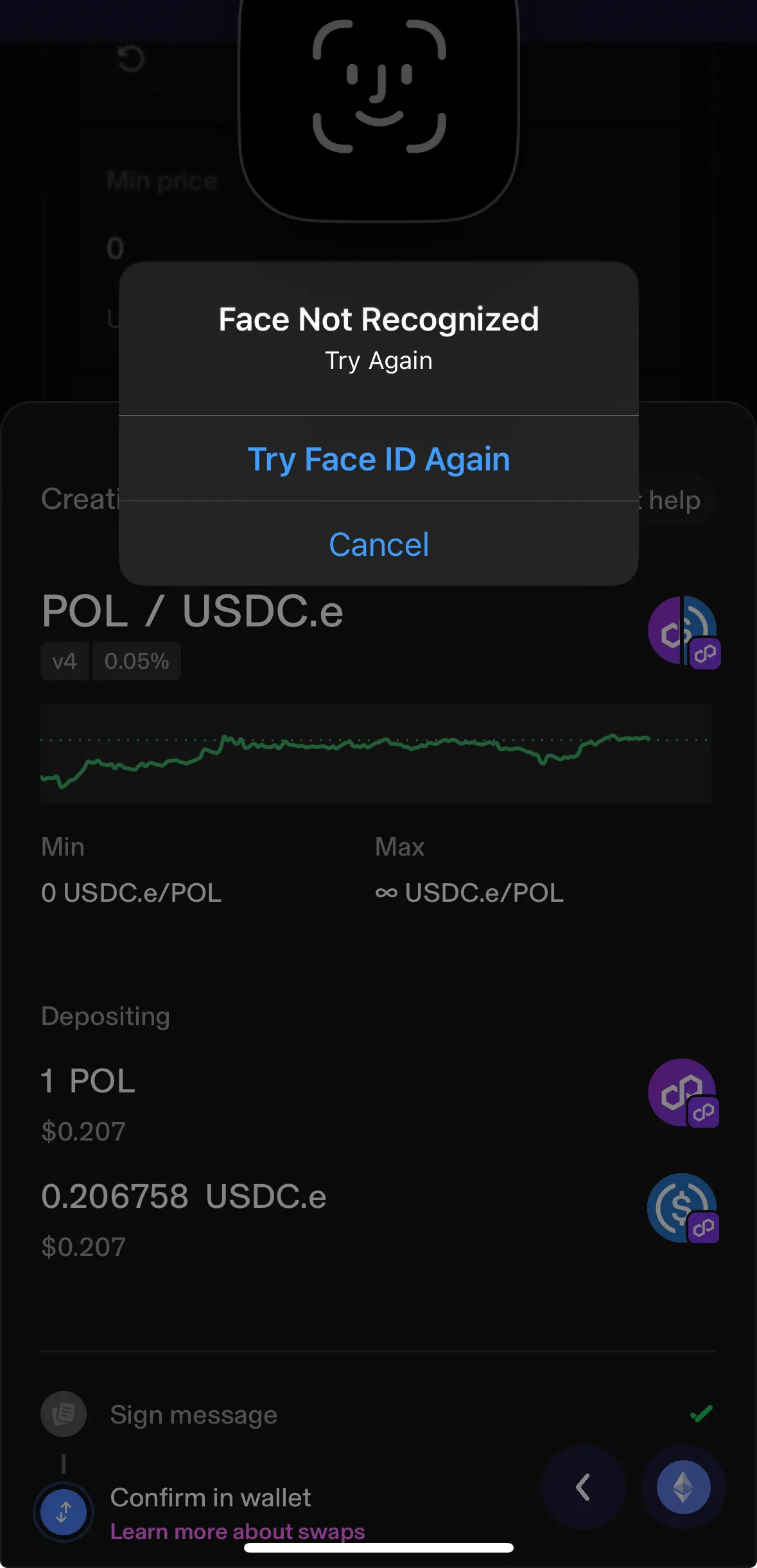 Last updated on Oct 21, 2025Report an issue with this check
 -
- Clear token approval dialog0.0 / 6.7Description
Clearly displays all the key details for ERC-20 Approve requests.
-
When attempting to sign the approval, the wallet doesn’t display any message or warning—it only prompts for Face ID to confirm the request.
— Verified by Alejo Sequeira at Coinspect
Evidence · 1 screenshot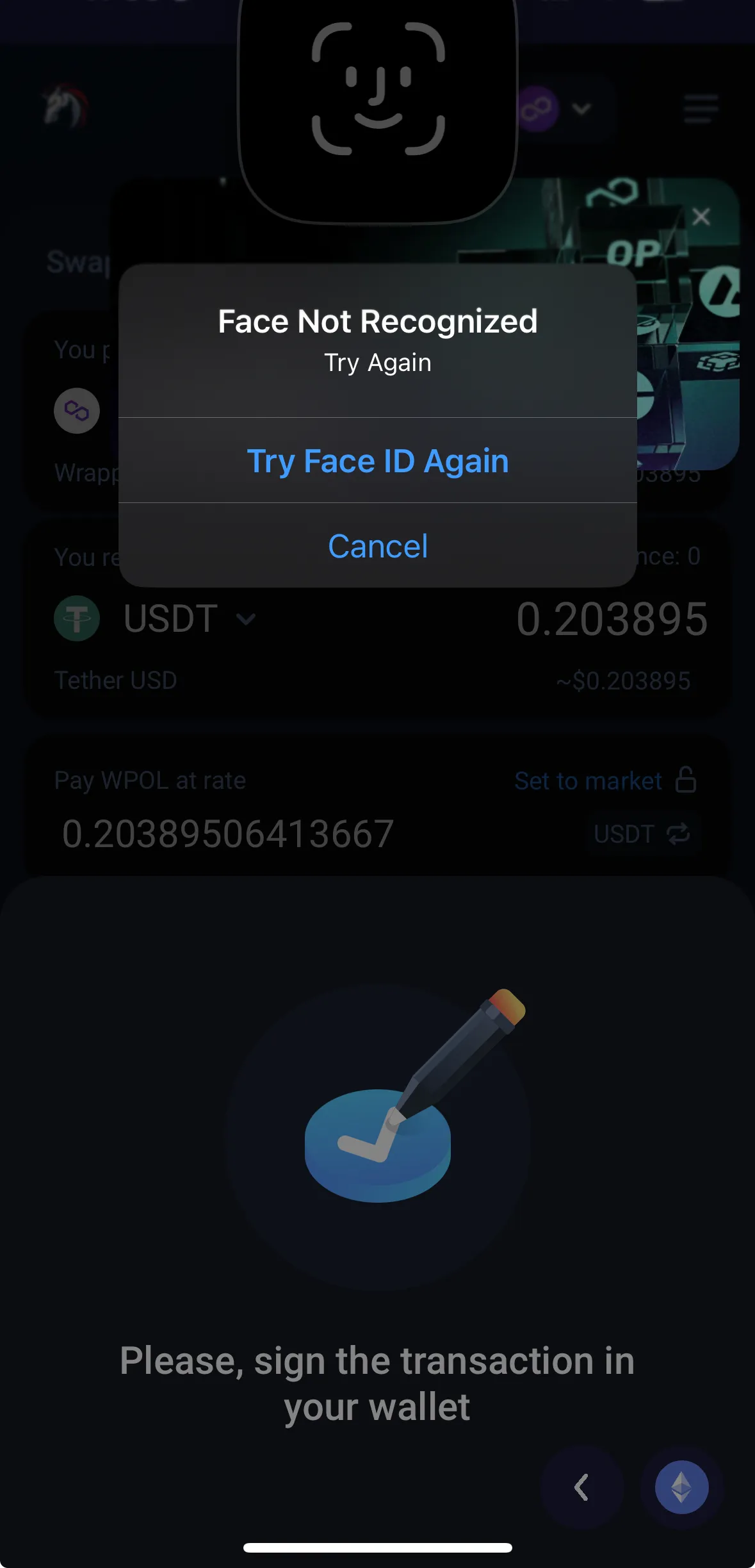 Last updated on Oct 21, 2025Report an issue with this check
 -
- Clear message signing dialog0.0 / 3.8Description
Clearly displays all message signature request details without truncating or hiding information.
-
When attempting to sign the eth_personalSign or any eth_signTypedData requests, the wallet doesn’t display any message or warning—it only prompts for Face ID to confirm the request.
— Verified by Alejo Sequeira at Coinspect
Evidence · 1 screenshot Last updated on Oct 21, 2025Report an issue with this check -
- EIP-712 message parsing0.0 / 2.4Description
Displays human-readable details for EIP-712 signature requests from well-known protocols.
-
When attempting to sign the eth_personalSign or any eth_signTypedData requests, the wallet doesn’t display any message or warning—it only prompts for Face ID to confirm the request.
— Verified by Alejo Sequeira at Coinspect
Evidence · 1 screenshot Last updated on Oct 21, 2025Report an issue with this check -
- Invalid address checksum detection2.2 / 2.2Description
Warns users when they input addresses with invalid EIP-55 checksums.
-
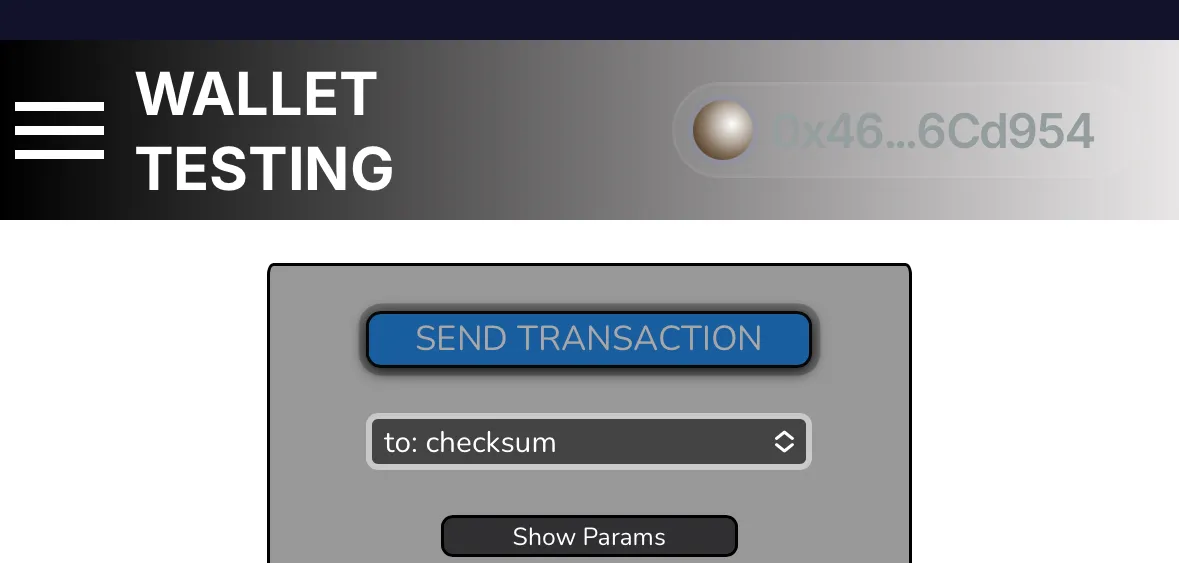
The wallet doesn't allow users to send a transaction with invalid checksums, and it emits a warning about it.
— Verified by Alejo Sequeira at Coinspect
Evidence · 2 screenshots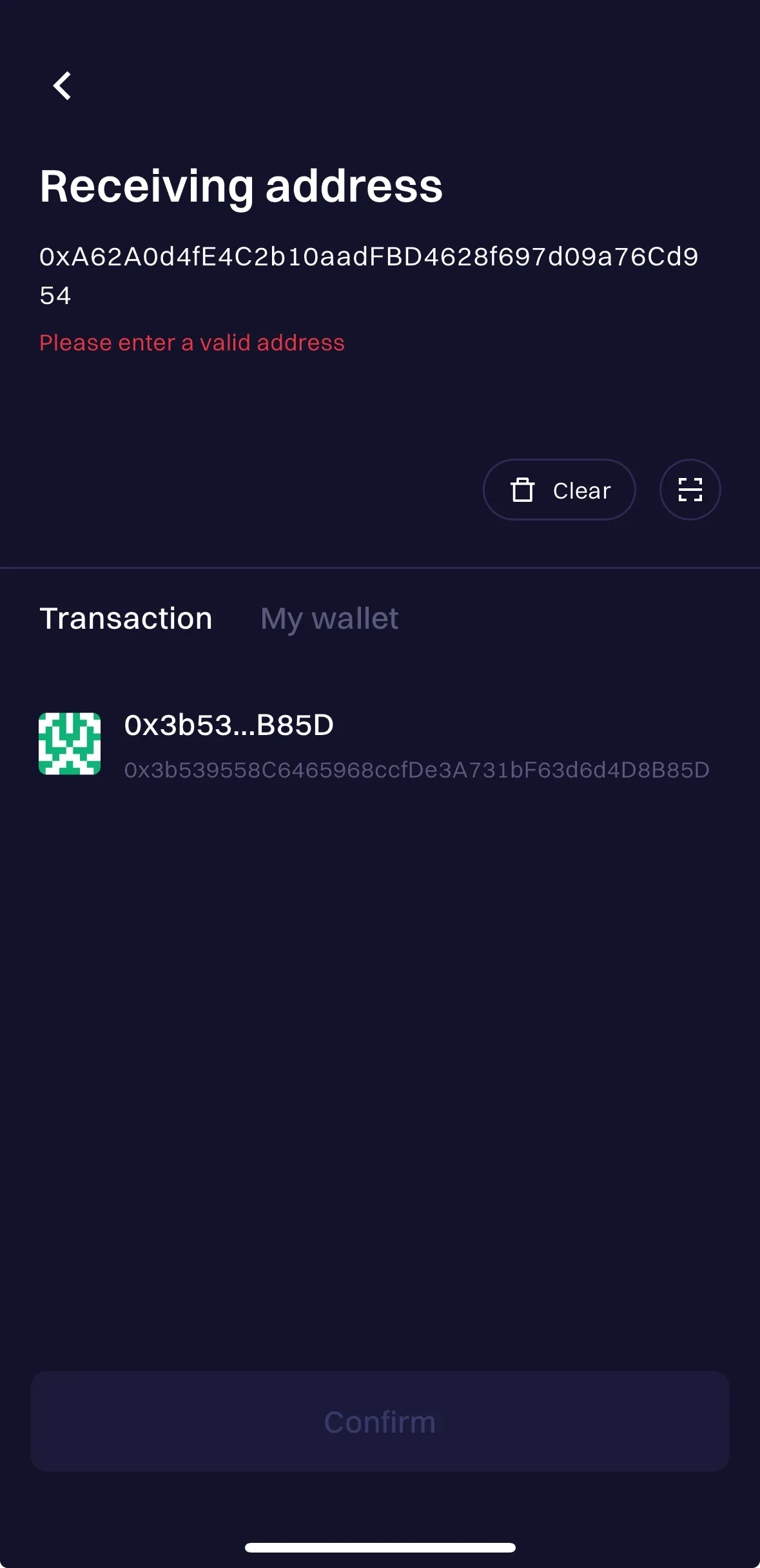
 Last updated on Oct 21, 2025Report an issue with this check
 -
- Mandatory message review0.0 / 2.1Description
Requires users to review all the details before signing a message.
-
When attempting to sign the eth_personalSign or any eth_signTypedData requests, the wallet doesn’t display any message or warning—it only prompts for Face ID to confirm the request.
— Verified by Alejo Sequeira at Coinspect
Evidence · 1 screenshot Last updated on Oct 21, 2025Report an issue with this check -
- Links to blockchain explorers0.6 / 1.2Description
Consistently provides clickable links to block explorers for all key blockchain identifiers.
-
Clicking on the transfer takes you directly to PolygonScan. When attempting to sign the send transaction requests, the wallet doesn’t display any message or warning—it only prompts for Face ID to confirm the request.
— Verified by Alejo Sequeira at Coinspect
Evidence · 1 screenshot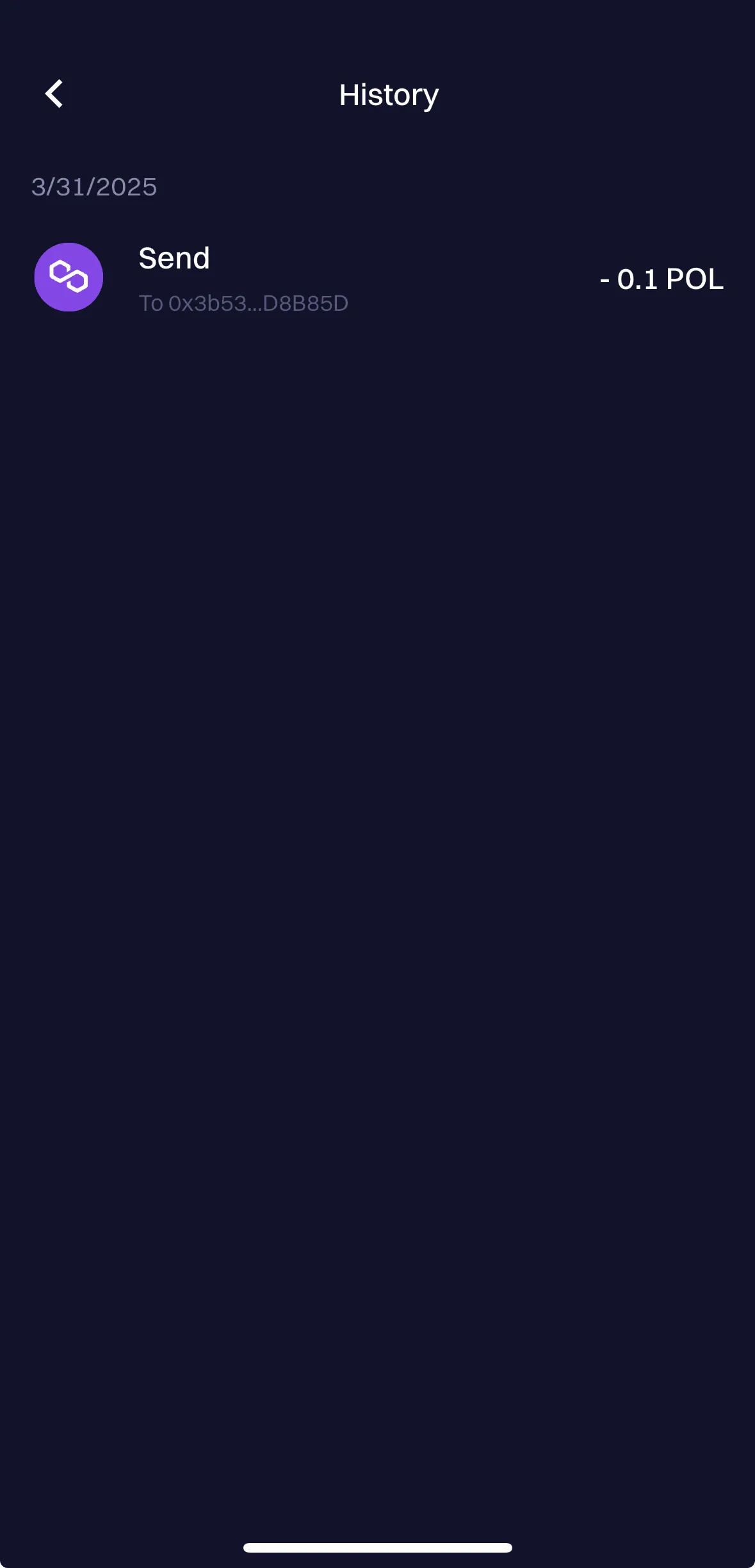 Last updated on Oct 21, 2025Report an issue with this check
 -
Physical Access
- Seed phrase access control5.4 / 5.4Description
Requires authentication to access seed phrases or private keys.
-
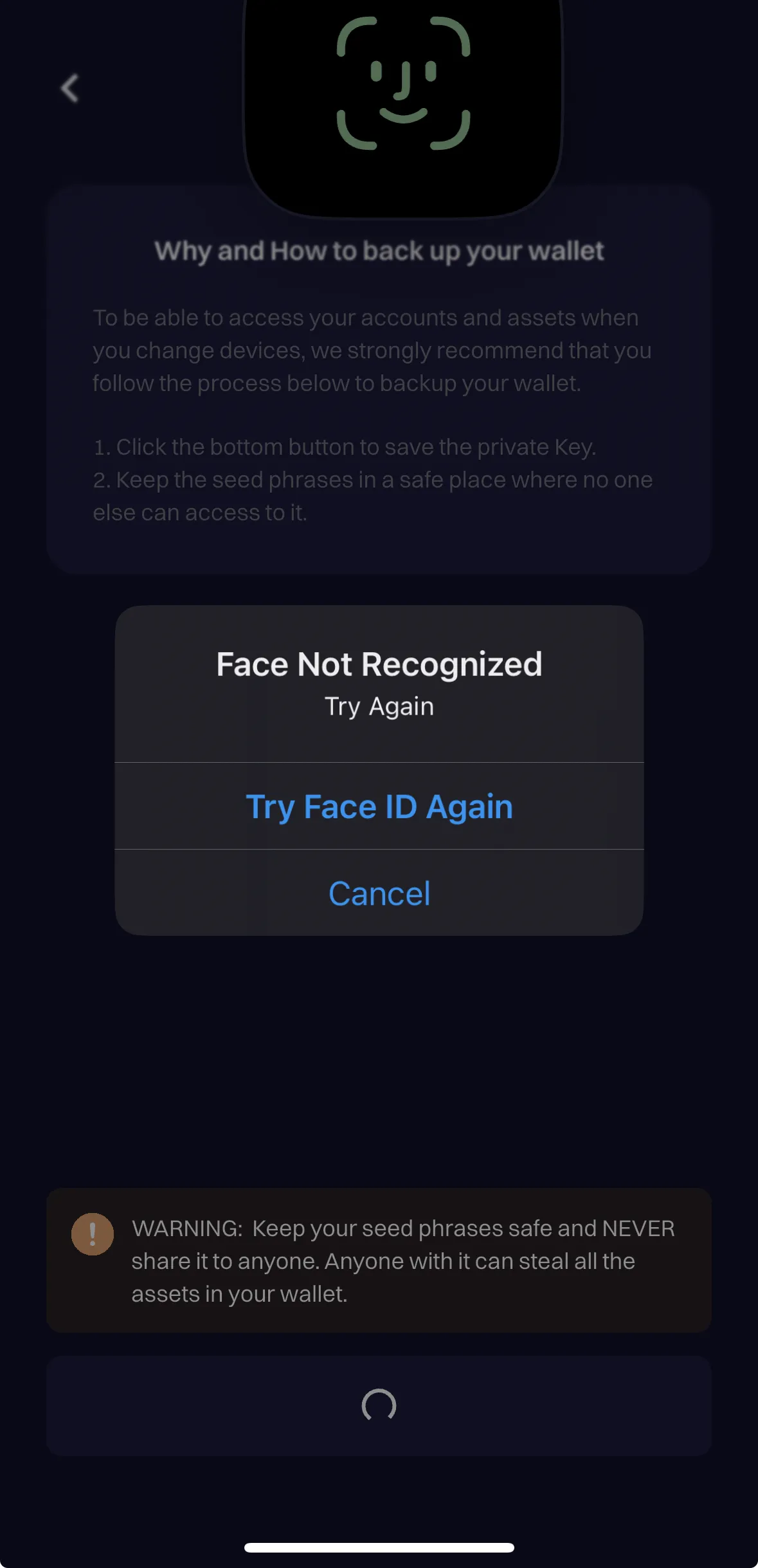
In the wallet management settings, clicking the “View seed phrase” button prompts a window requiring the password to reveal the seed phrase.
— Verified by Alejo Sequeira at Coinspect
Evidence · 2 screenshots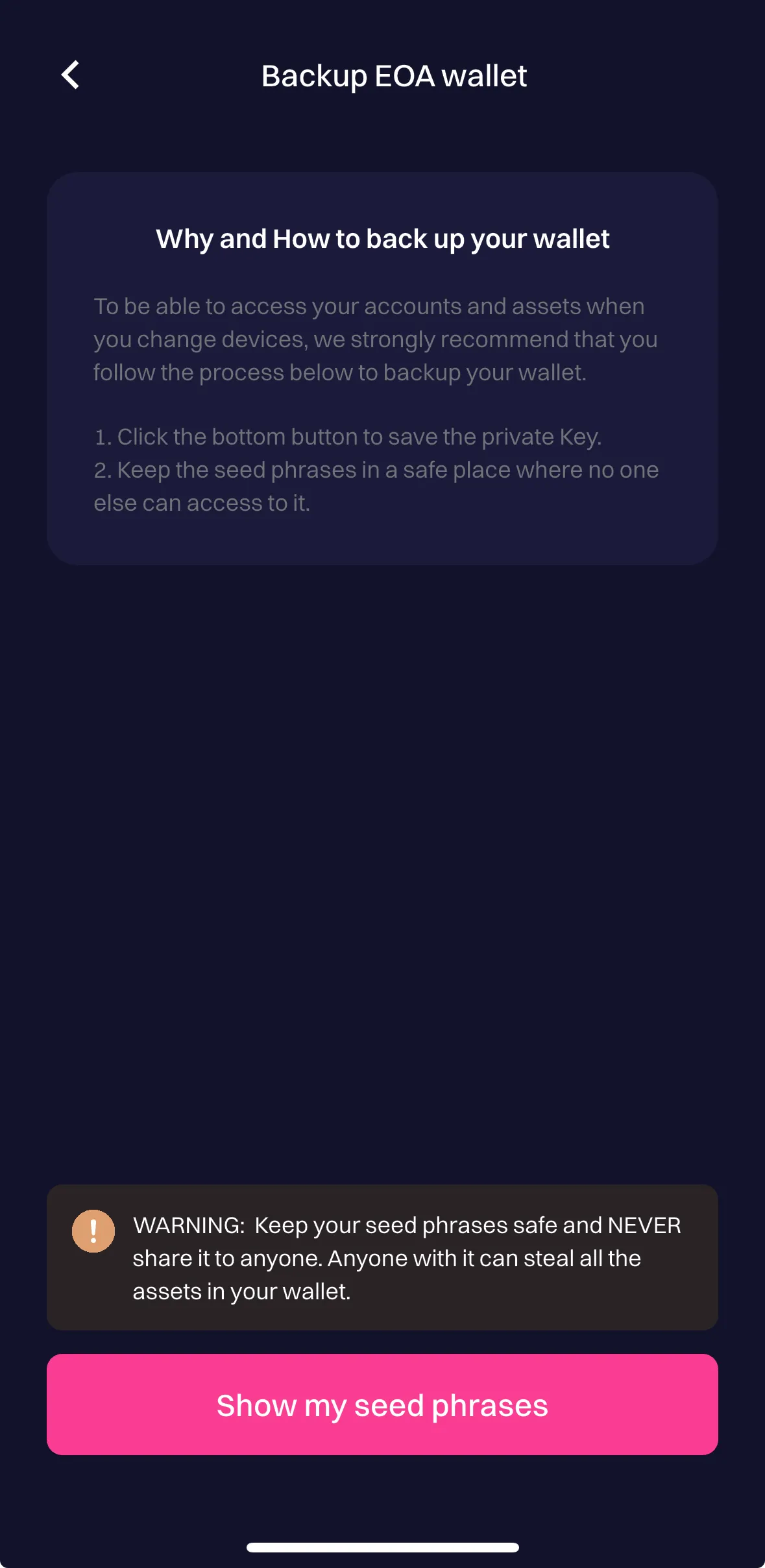
 Last updated on Oct 21, 2025Report an issue with this check
 -
- Manual wallet lock3.9 / 3.9Description
Allows users to lock it manually.
-
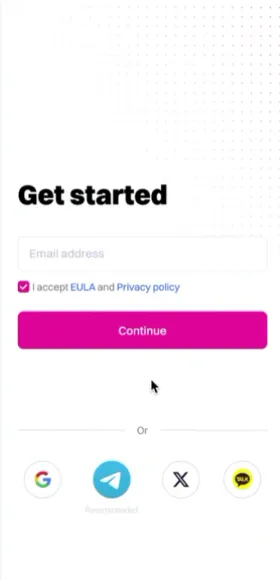
The wallet doesn't include a manual lock button, but logging in again is required to regain access.
— Verified by Alejo Sequeira at Coinspect
Evidence · 2 screenshots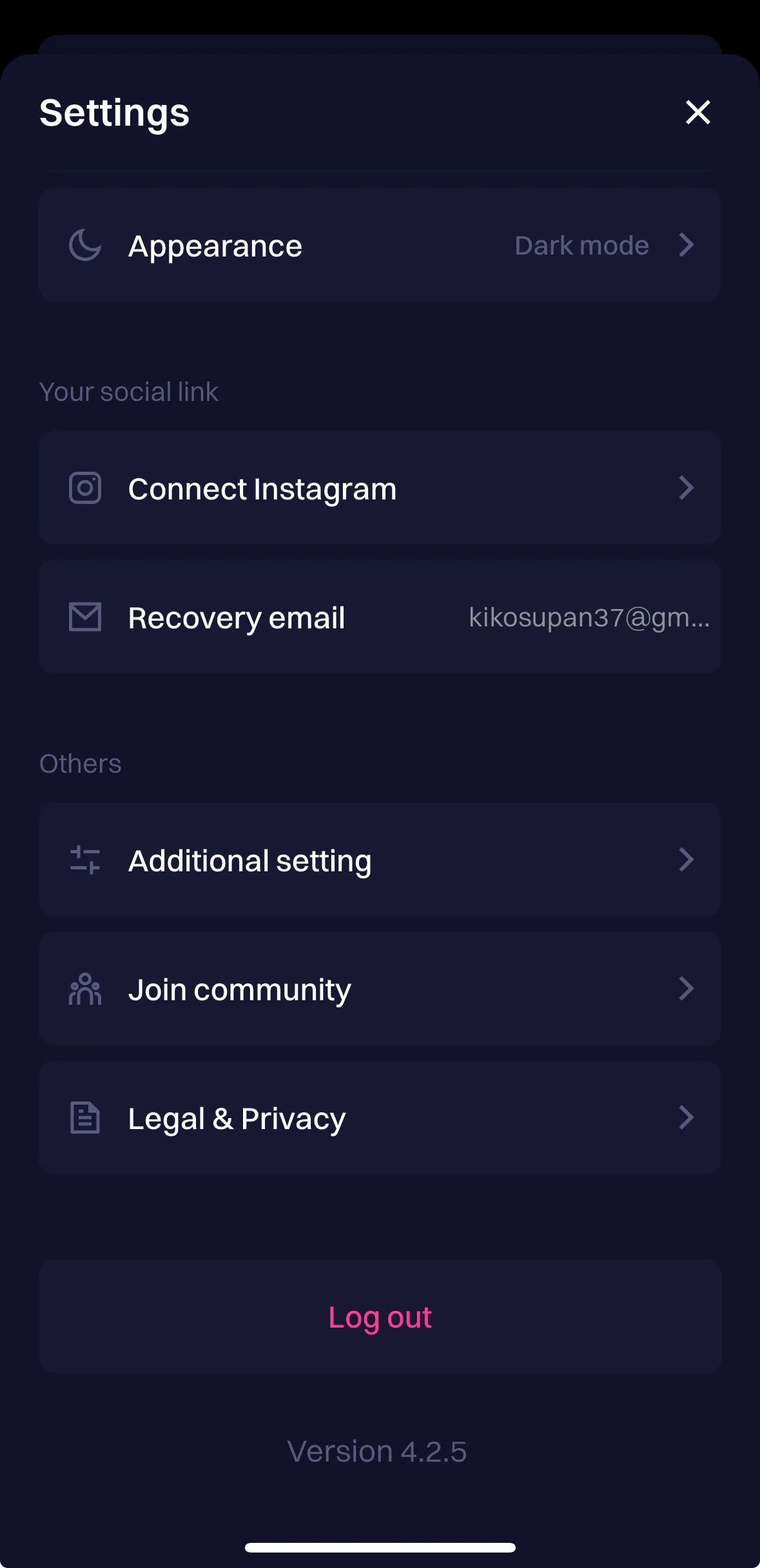
 Last updated on Oct 21, 2025Report an issue with this check
 -
- Automatic wallet lock0.0 / 3.9Description
Verifies wallet auto-locks on inactivity, device lock, or background.
-
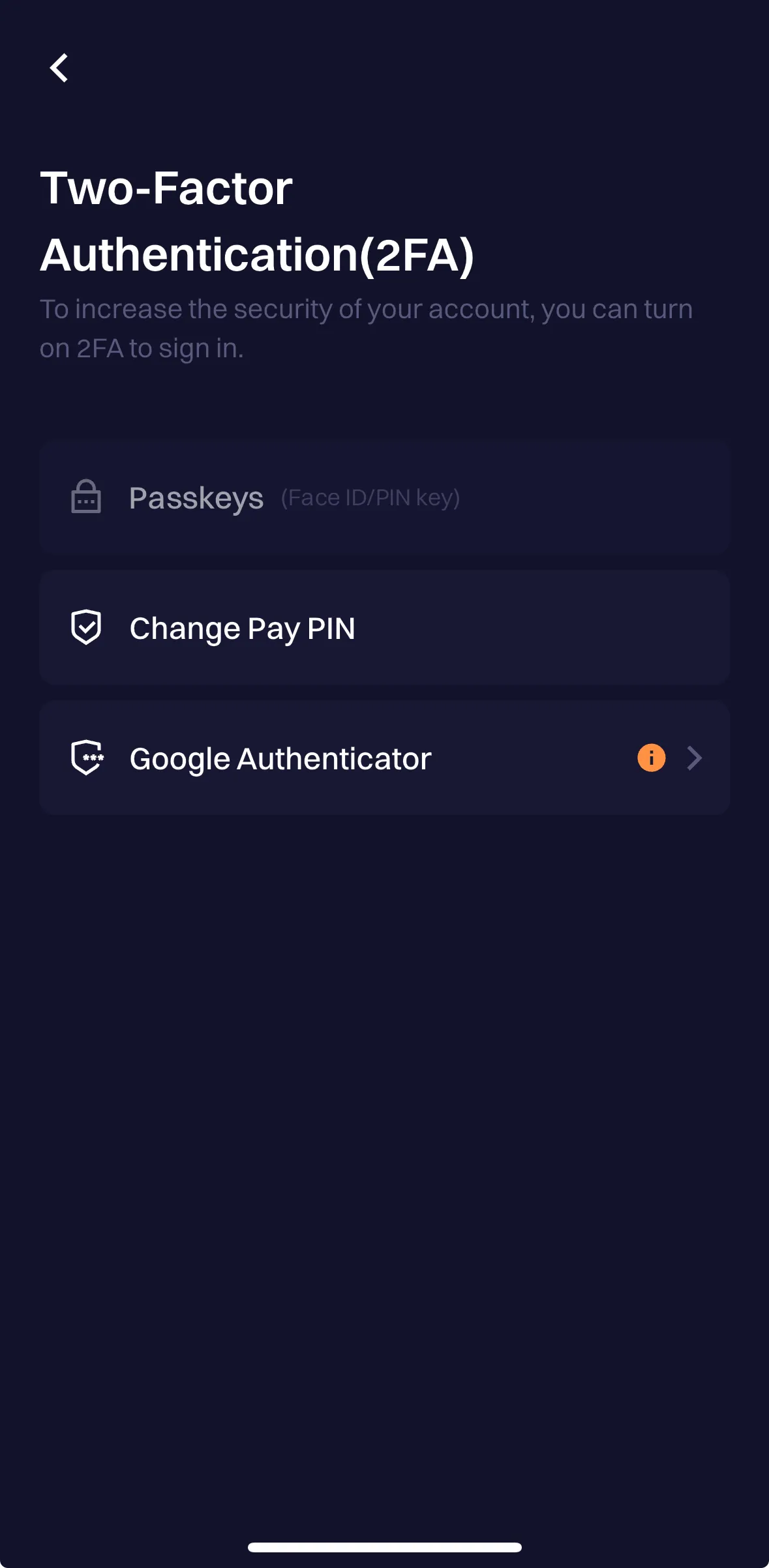
The wallet lacks an option to configure automatic locking and only locks when the app is closed.
— Verified by Alejo Sequeira at Coinspect
Evidence · 2 screenshots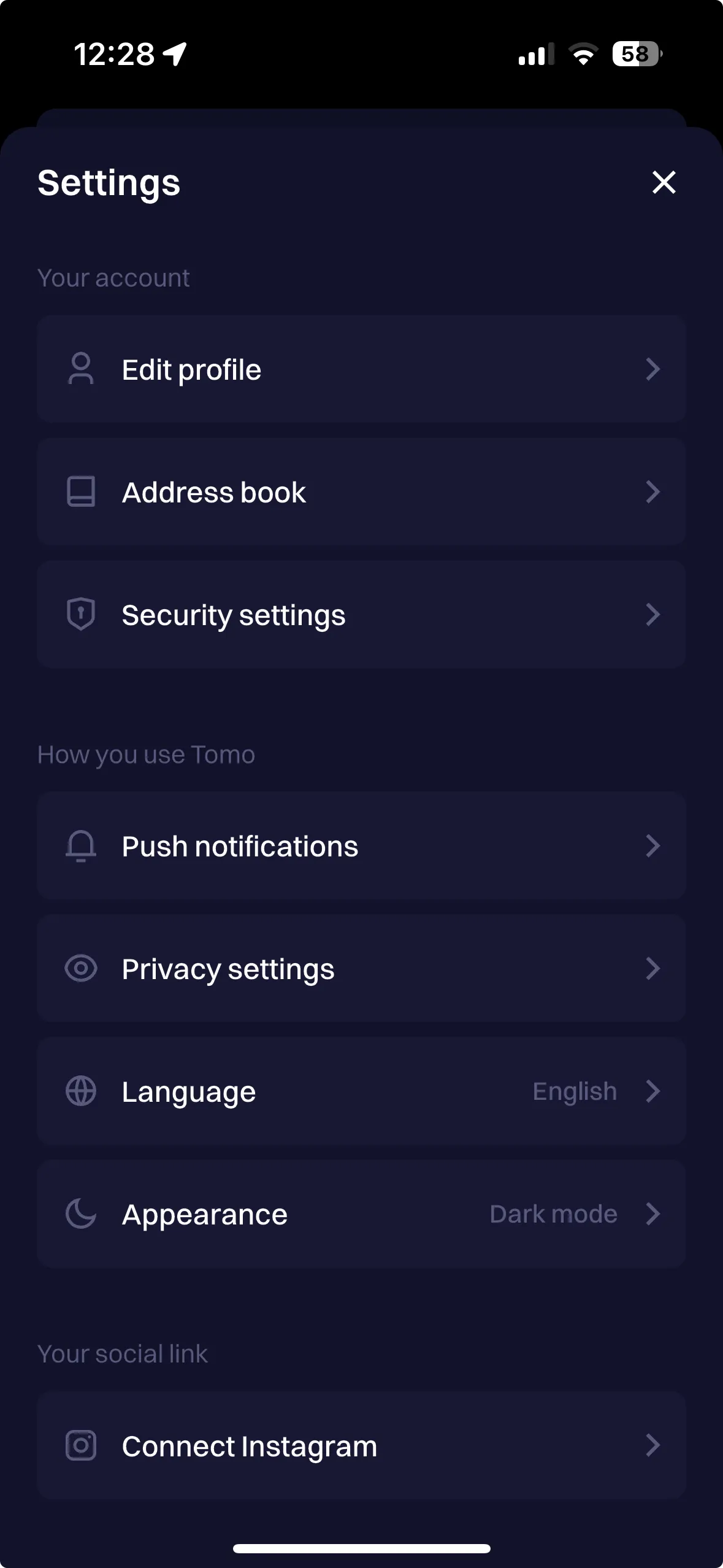
 Last updated on Oct 21, 2025Report an issue with this check
 -
- Robust Authentication3.3 / 3.3Description
Uses strong authentication, such as resistance to trivial or commonly-used passwords. Including biometrics and rate limiting in mobile.
-
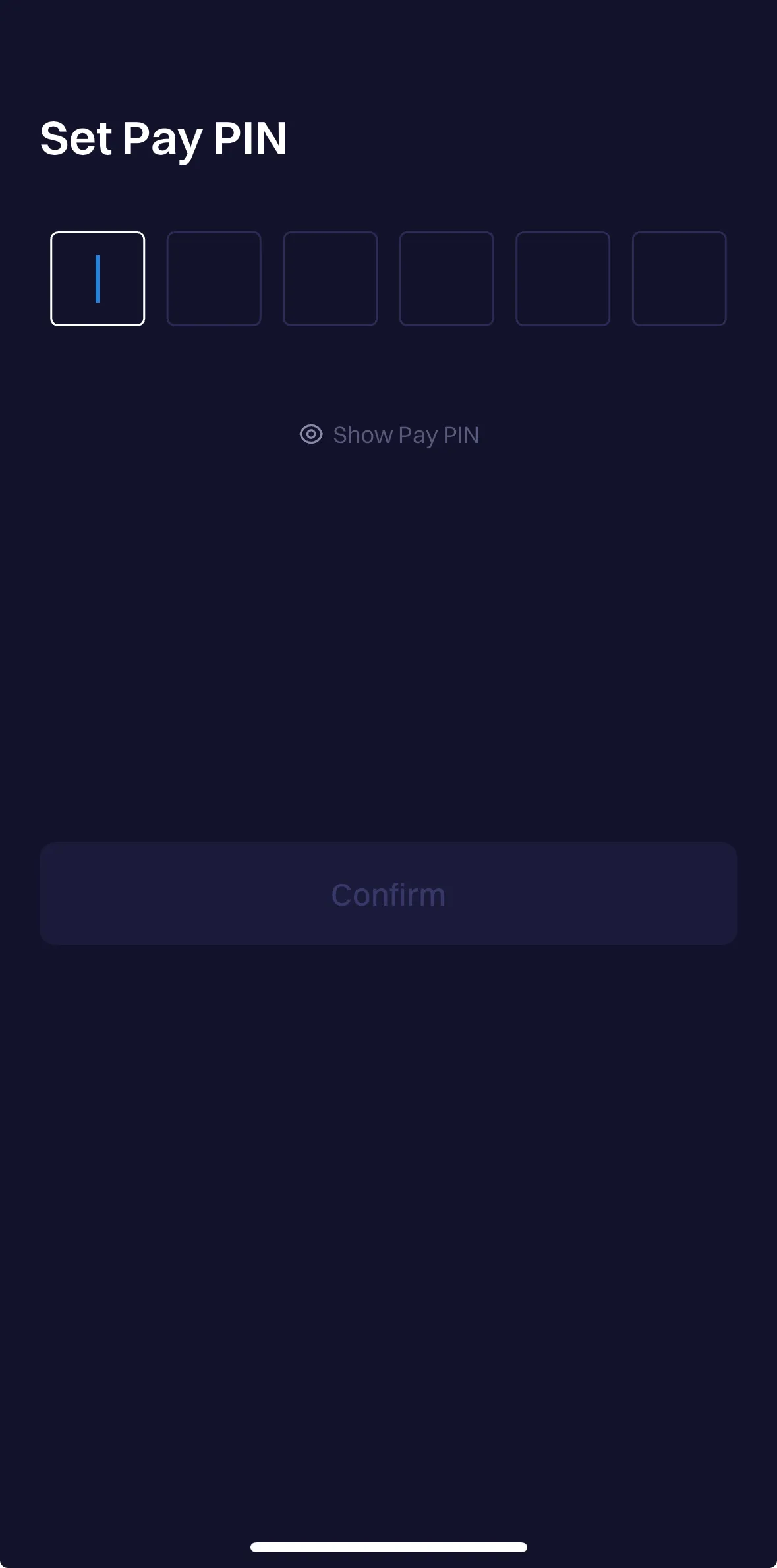
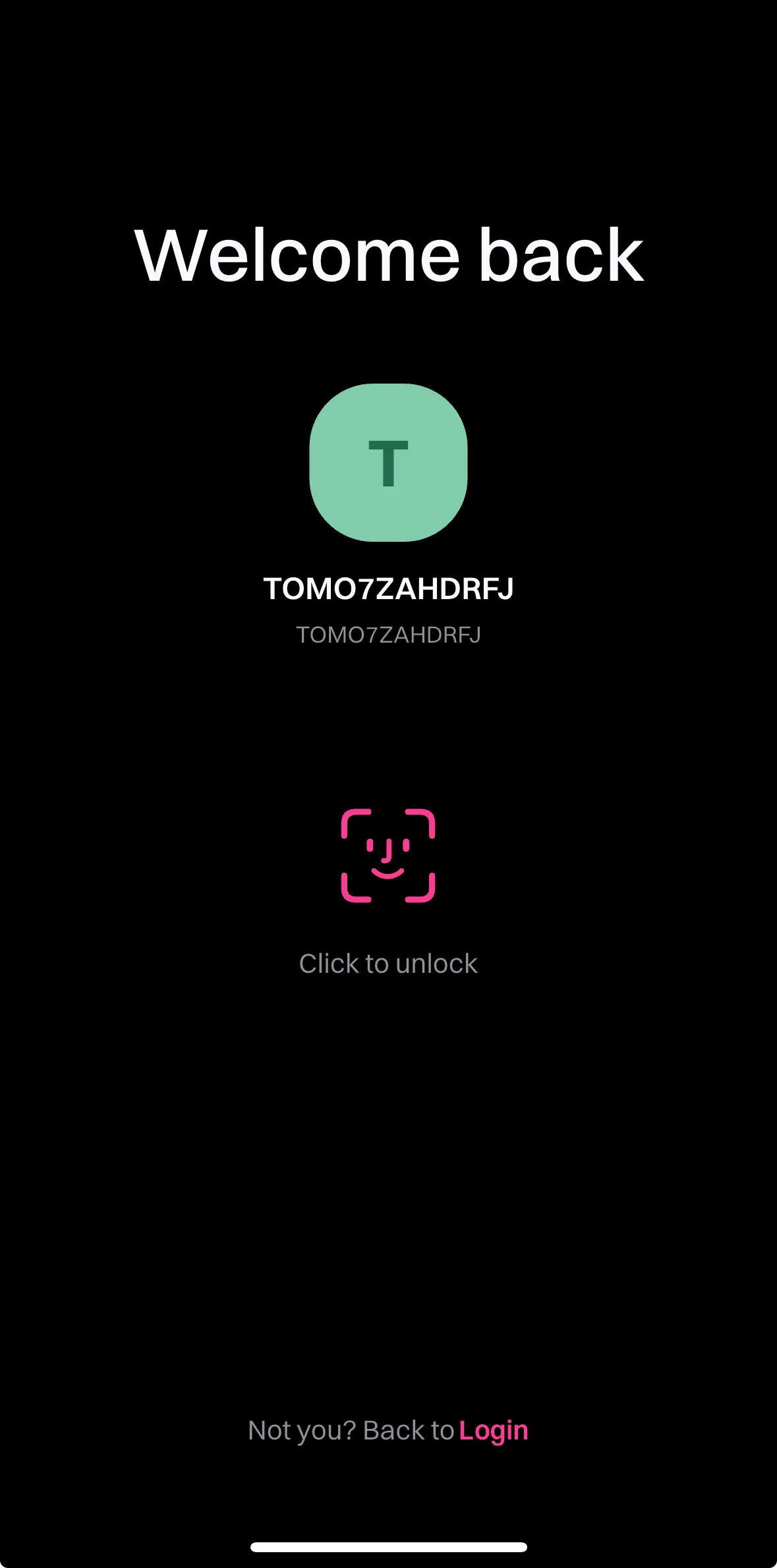
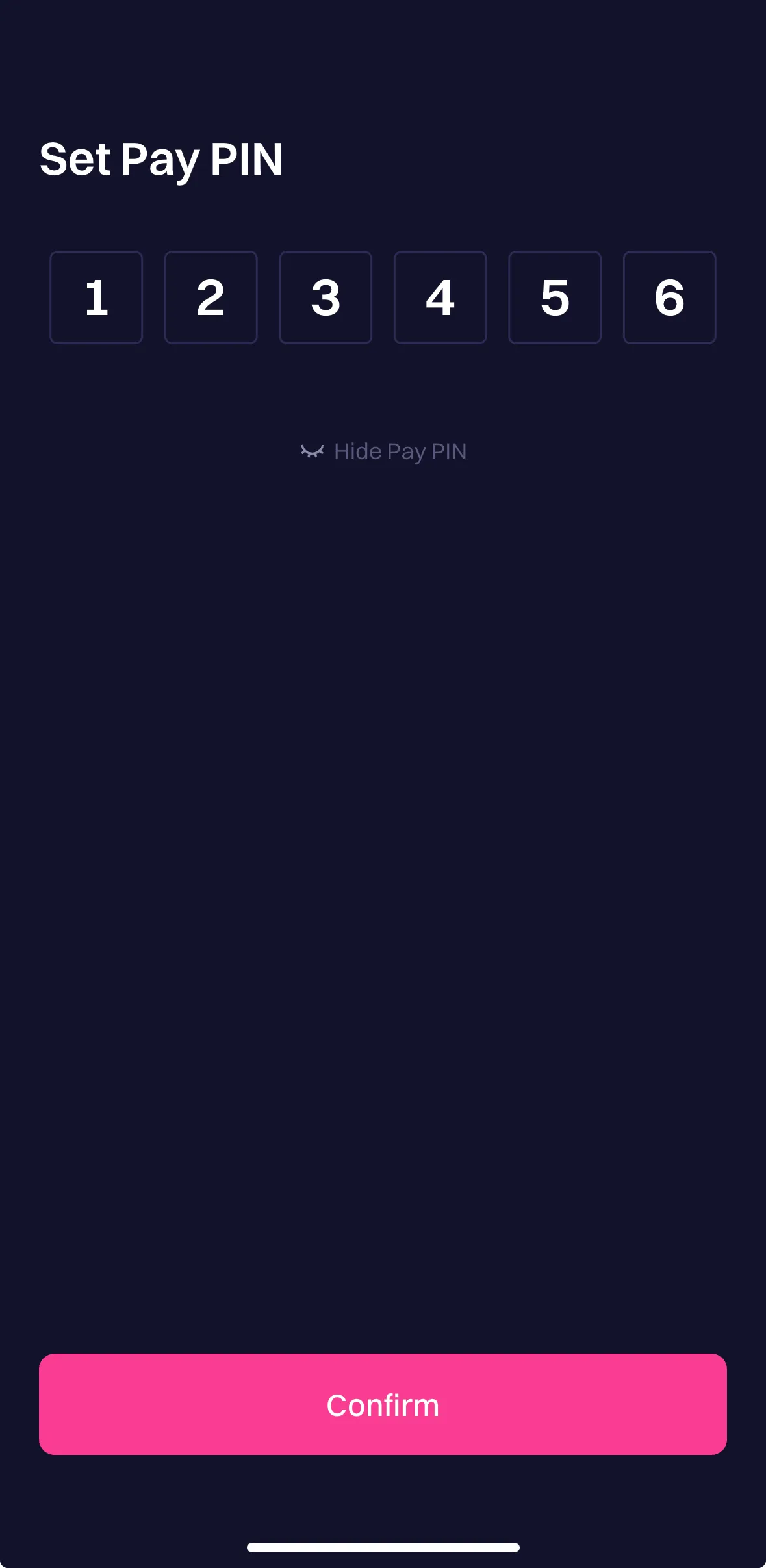
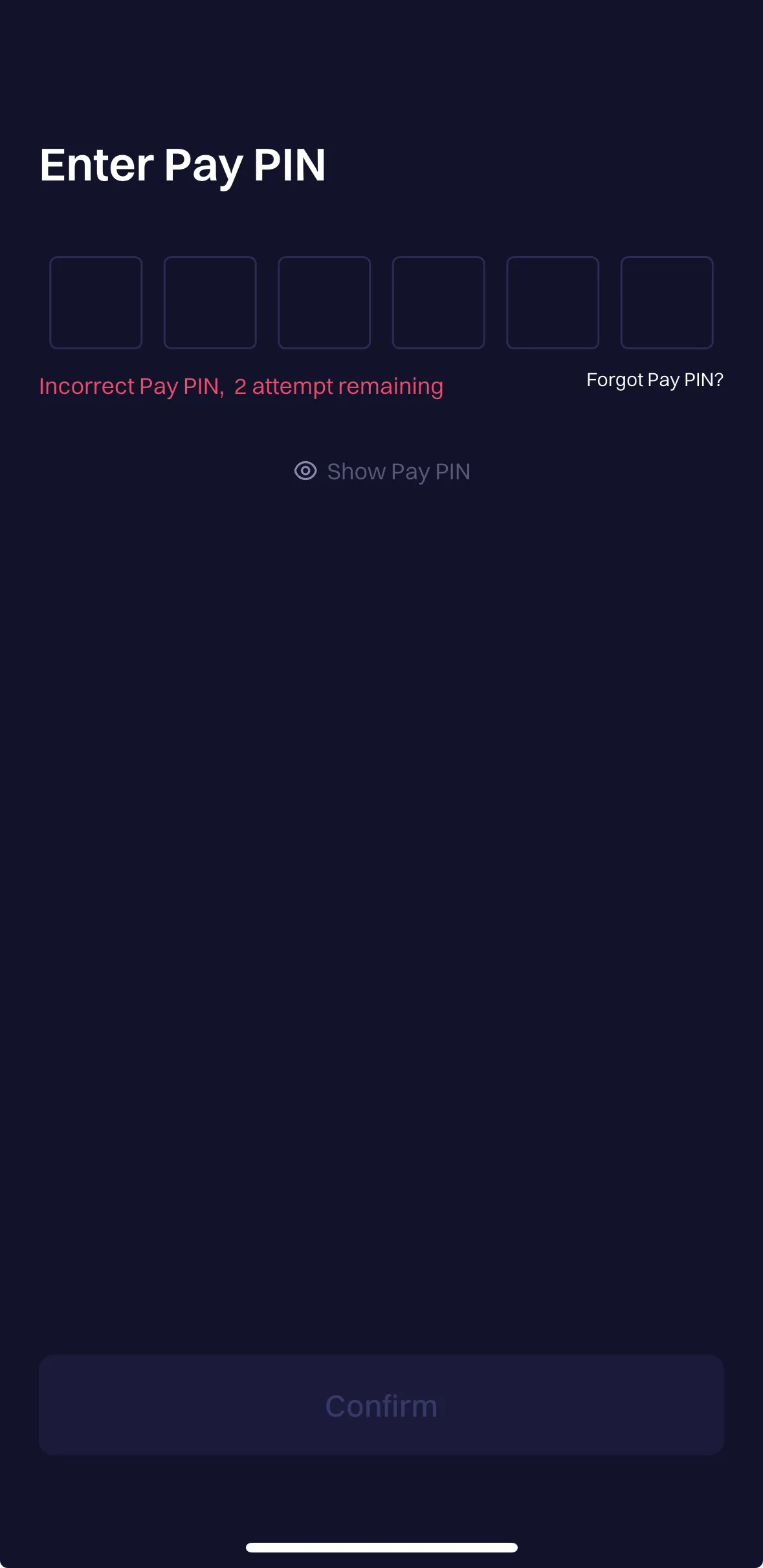
The wallet requires a password of at least 6 characters but allows easily guessable ones. It supports biometrics and enforces rate limiting after the fifth failed attempt.
— Verified by Alejo Sequeira at Coinspect
Evidence · 5 screenshots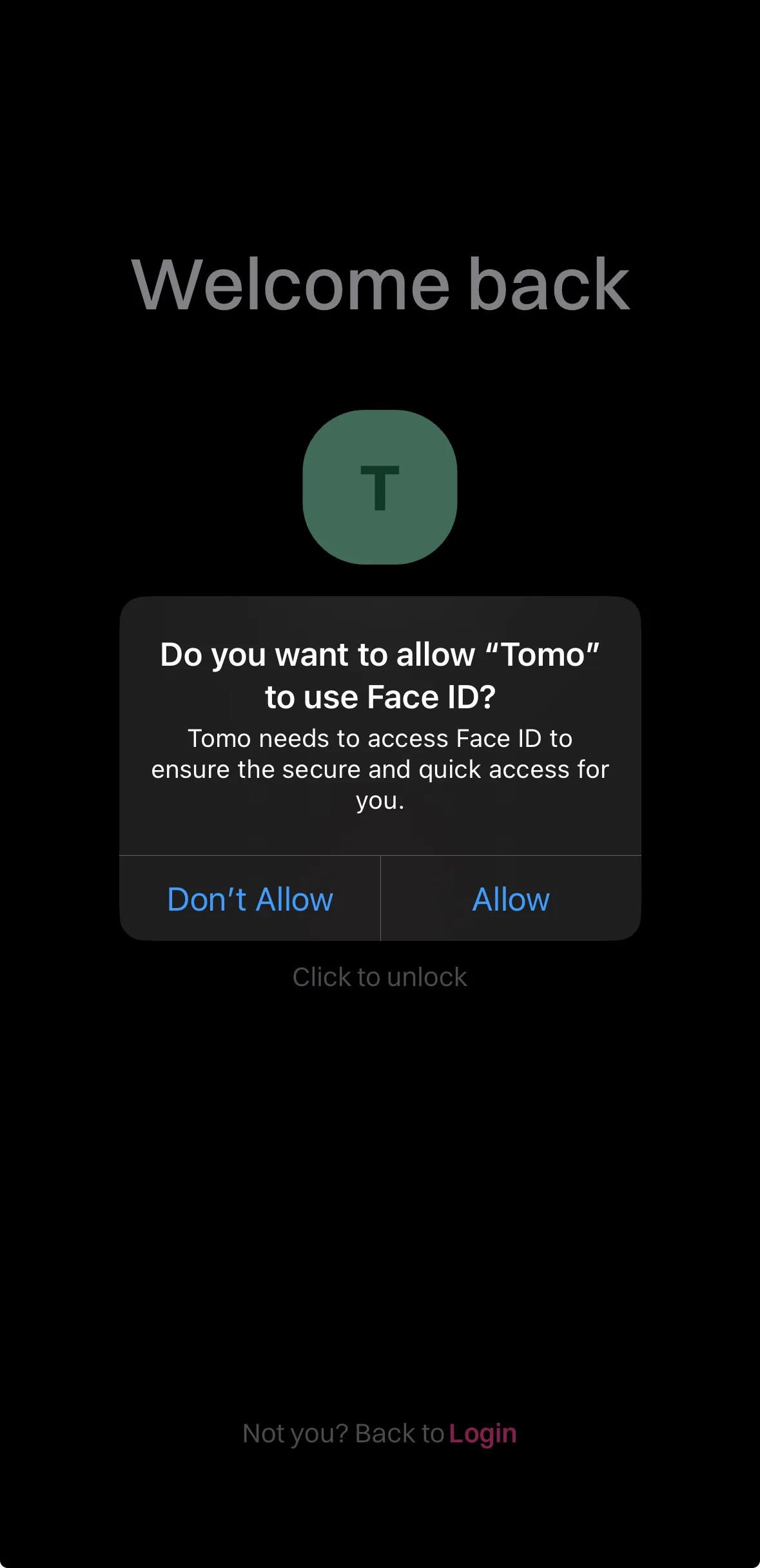
 Last updated on Oct 21, 2025Report an issue with this check
 -
- Clipboard seed phrase leak prevention0.0 / 1.8Description
Limits exposure of secrets by restricting or warning on copying seed phrases or taking screenshots.
-
The wallet does not allow copying the seed phrase but does not prevent or warn against taking screenshots.
— Verified by Alejo Sequeira at Coinspect
Evidence · 1 screenshot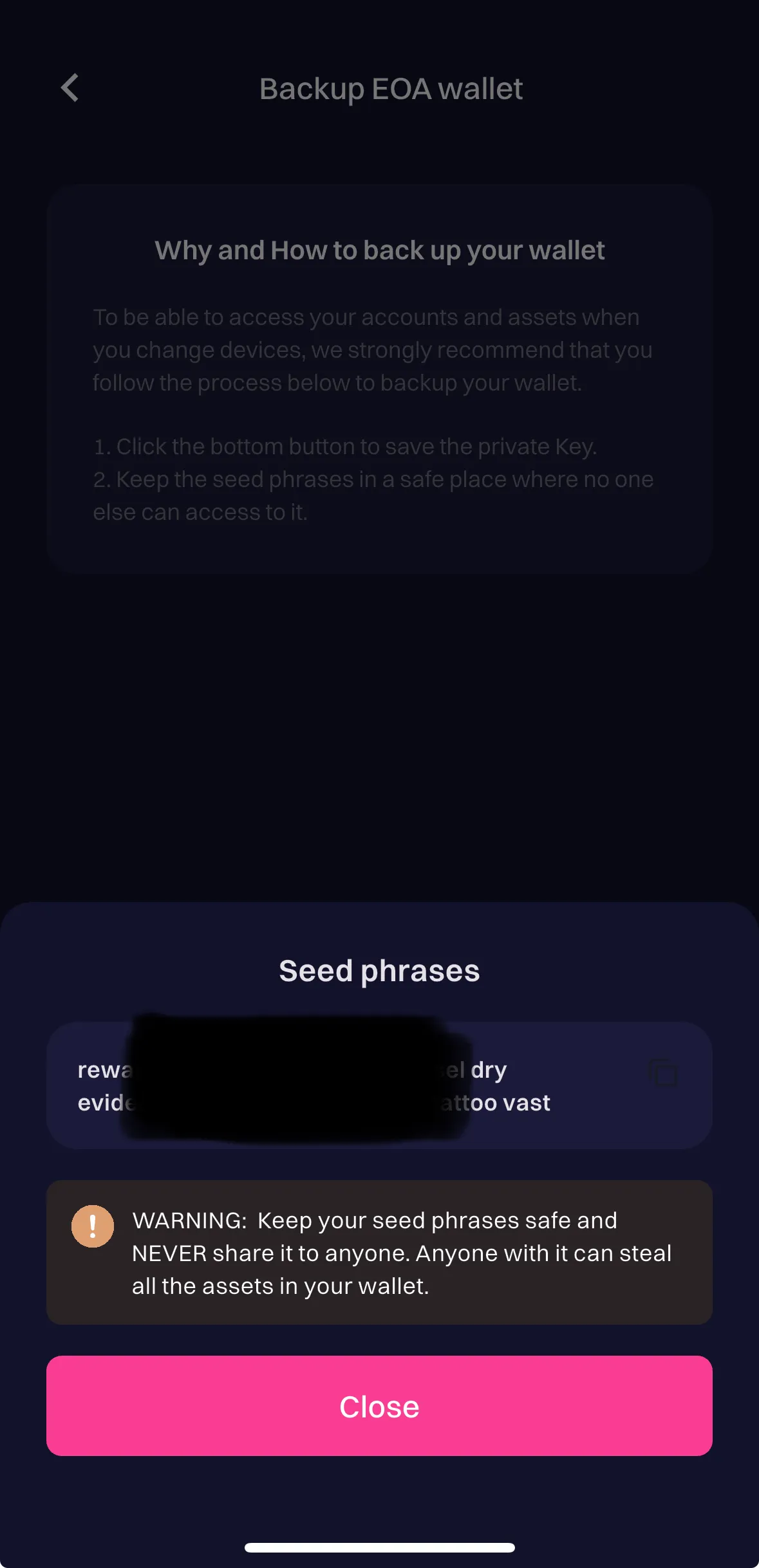 Last updated on Oct 21, 2025Report an issue with this check
 -
- Seed phrase access warning1.8 / 1.8Description
Warns users of the risk before allowing access to seed phrases or private keys.
-
In both the password entry window and the seed phrase display screen, a clear warning is shown indicating that sharing the phrase can give others access to your wallet and funds.
— Verified by Alejo Sequeira at Coinspect
Evidence · 1 screenshot Last updated on Oct 21, 2025Report an issue with this check -
Threat Prevention
- Phishing dApp detection0.0 / 5.1Description
Prevents or alerts users about interactions with a known malicious URL.
-
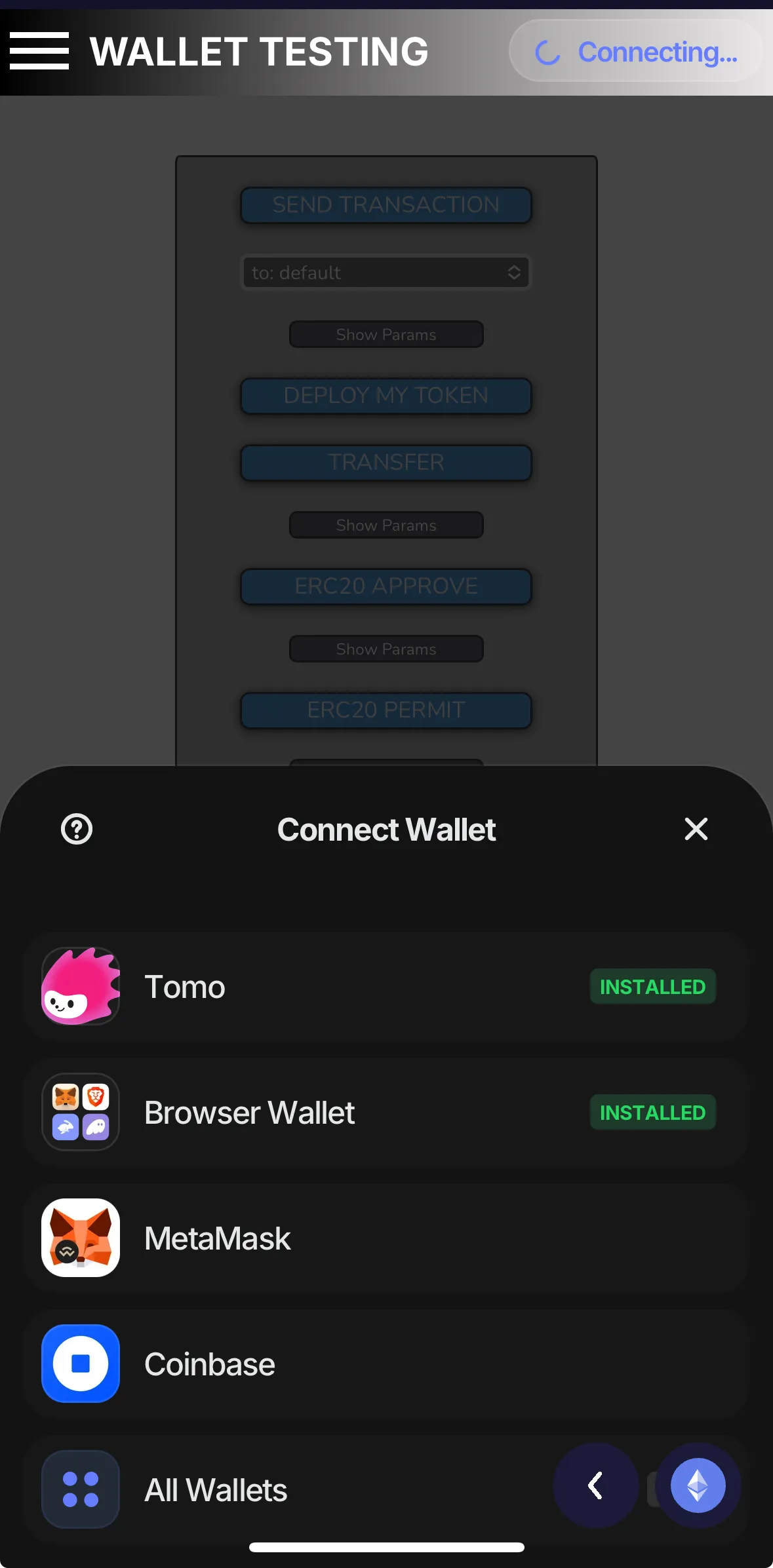
The wallet does not alert when visiting or attempting to connect to malicious sites like https://arbitrum-token-bridge-cqjggprvn-offchain-labs.vercel.app/ or https://trustdappmodal.pages.dev/. Connection via WalletConnect by scanning the QR code appears to be broken, while connecting through the embedded browser works but does not prompt any permission request.
— Verified by Alejo Sequeira at Coinspect
Evidence · 2 screenshots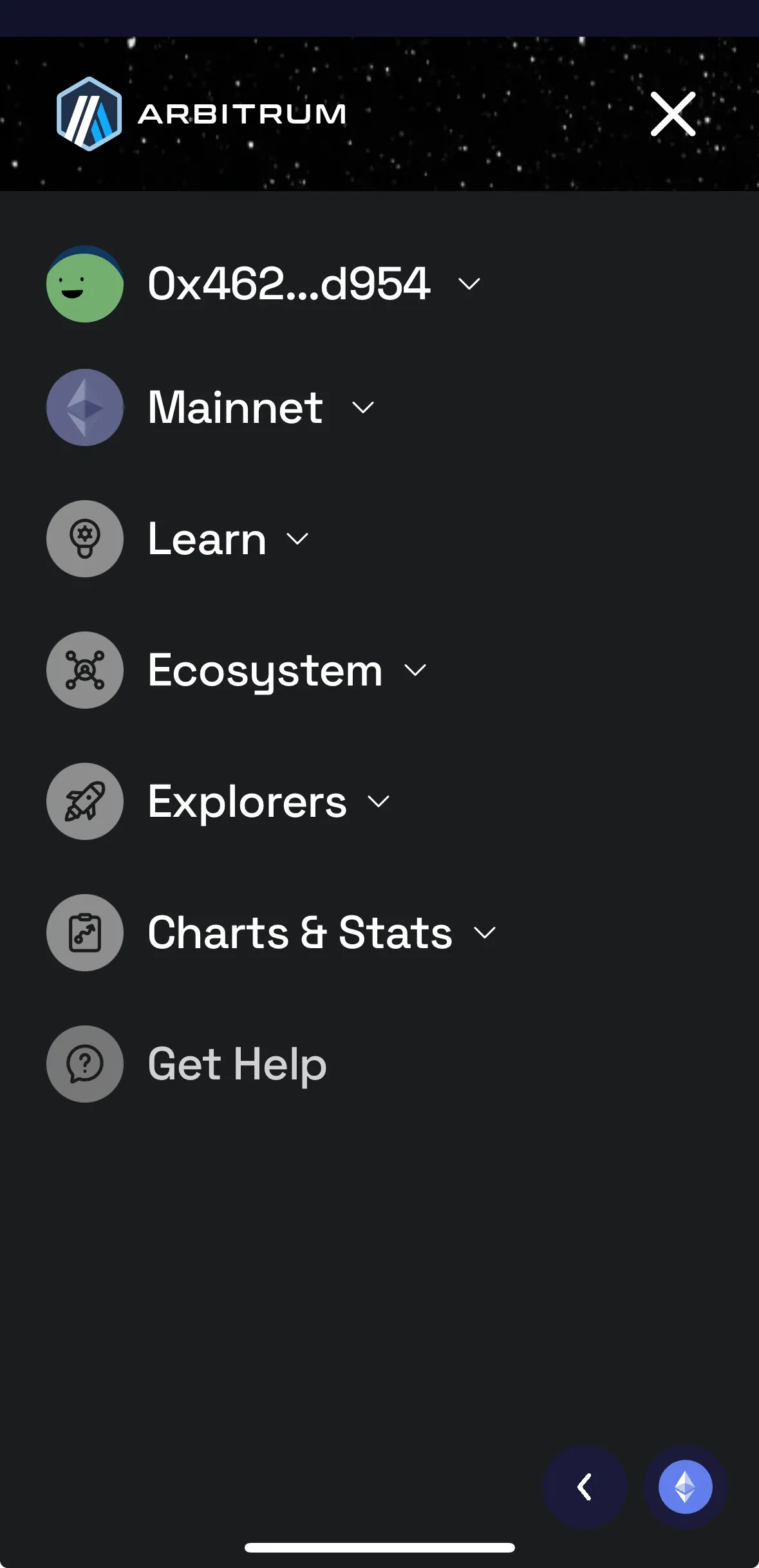
 Last updated on Oct 21, 2025Report an issue with this check
 -
- Malicious address detection0.0 / 5.1Description
Prevents or alerts users about interactions with a known malicious address.
-
When attempting to sign the transaction requests, the wallet doesn’t display any message or warning—it only prompts for Face ID to confirm the request.
— Verified by Alejo Sequeira at Coinspect
Evidence · 1 screenshot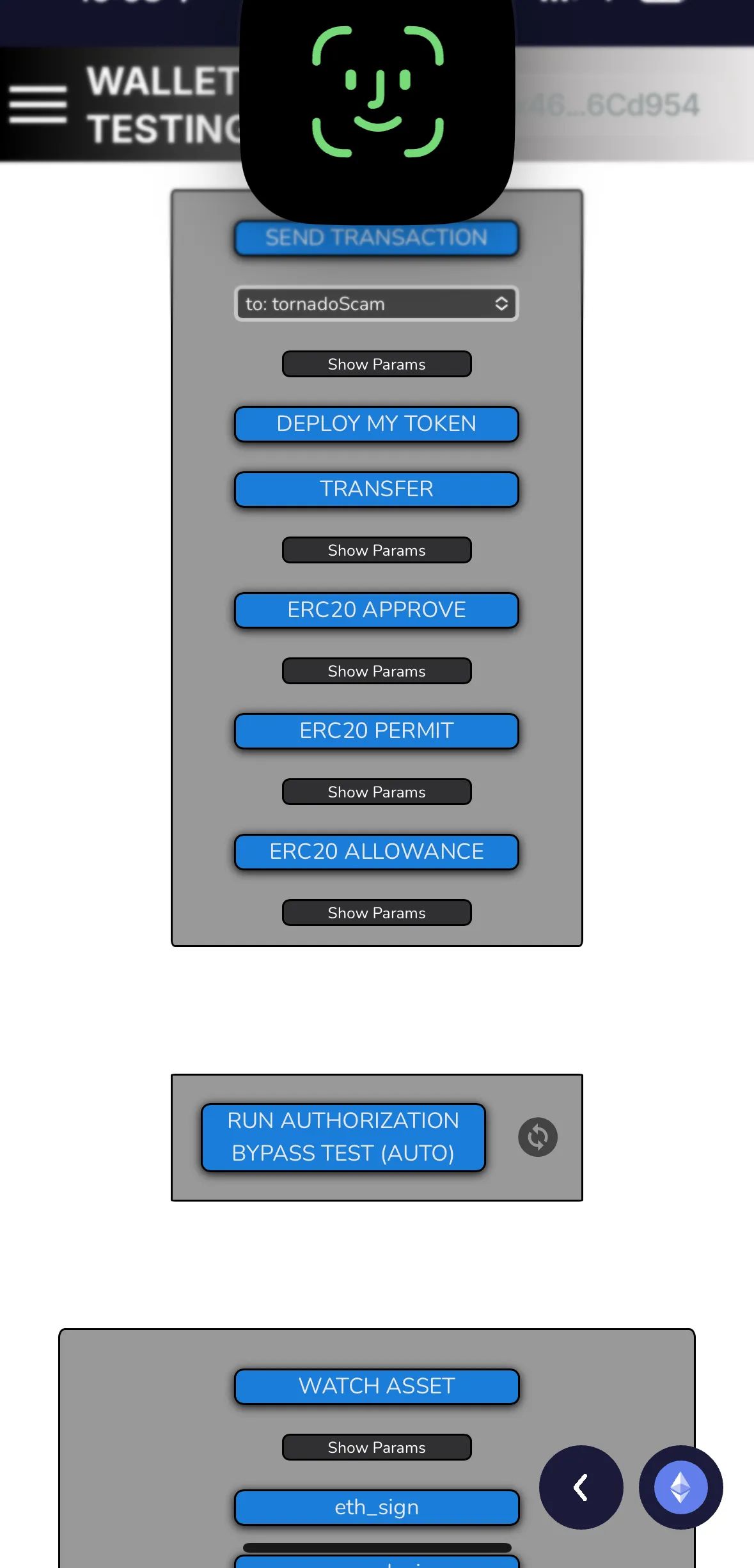 Last updated on Oct 21, 2025Report an issue with this check
 -
- Trusted dApp detection0.0 / 3.3Description
Informs users when interacting with a trusted dApp URL.
-
The wallet does not inform users when they are interacting with well-known, verified URLs (DApps) like Uniswap or 1inch. Connection via WalletConnect by scanning the QR code appears to be broken, while connecting through the embedded browser works, but does not prompt any permission request.
— Verified by Alejo Sequeira at Coinspect
Evidence · 2 screenshots Last updated on Oct 21, 2025Report an issue with this check -
- Unknown address detection0.0 / 2.8Description
Warns users when interacting with an unknown address.
-
When attempting to sign the transaction requests, the wallet doesn’t display any message or warning—it only prompts for Face ID to confirm the request.
— Verified by Alejo Sequeira at Coinspect
Evidence · 1 screenshot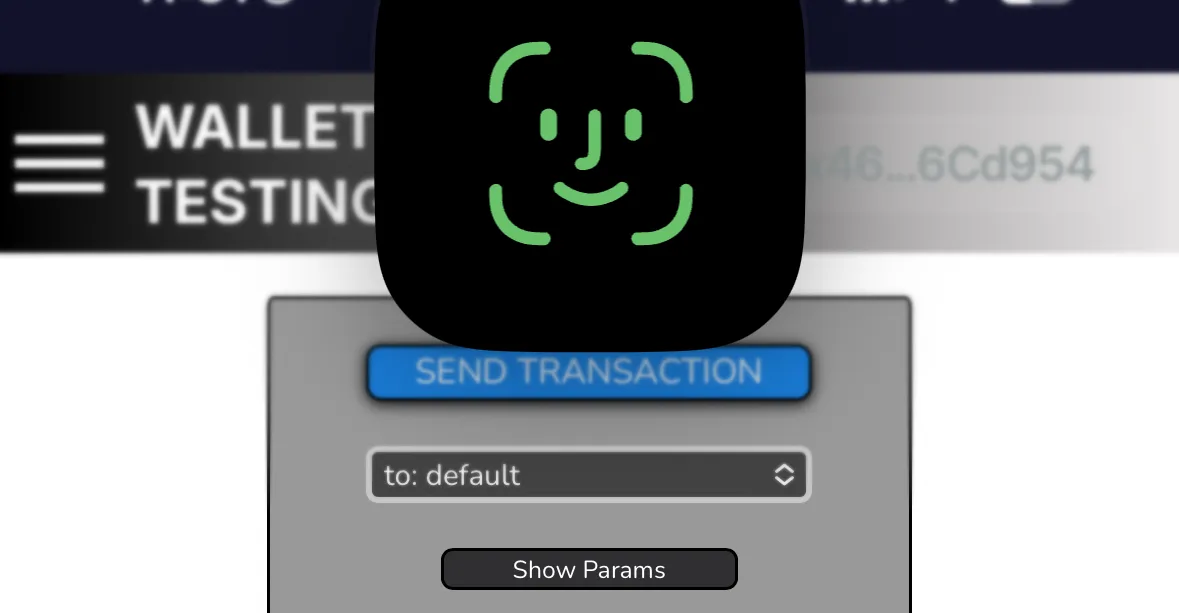 Last updated on Nov 17, 2025Report an issue with this check
 -
- Full dApp URL display0.0 / 1.5Description
Clearly displays the full dApp URL in the connection prompt.
-
The wallet does not inform users when they are interacting with well-known, verified URLs (DApps) like Uniswap or 1inch,
— Verified by Alejo Sequeira at Coinspect
Evidence · 2 screenshots Last updated on Oct 21, 2025Report an issue with this check -
- Malicious or spam token filtering1.3 / 1.3Description
Hides malicious tokens and NFTs by default.
-
The wallet does not include a dedicated NFT section.
— Verified by Alejo Sequeira at Coinspect
Evidence · 1 screenshot Last updated on Oct 21, 2025Report an issue with this check -
- dApp access disclosure dialog1.0 / 1.0Description
Informs dApp access to balances, history, and signing requests on connection.
-
Connection via WalletConnect by scanning the QR code appears to be broken, while connecting through the embedded browser works, and requires viewing the wallet balance and activity, as well as requesting transactions.
— Verified by Alejo Sequeira at Coinspect
Evidence · 1 screenshot Last updated on Oct 21, 2025Report an issue with this check -
This ranking is for informational purposes only. It should not be relied on to provide legal, tax, financial, investment, or other types of advice. Coinspect does not guarantee or warrant the accuracy, completeness, timeliness, suitability, or validity of the information provided and will not be responsible for any claim attributable to reliance on errors, omissions, or other inaccuracies of any part of such information.